
Your widgets in an OBS Browser Source, with a single link.
Twools works with any streaming software that accepts a Browser Source, such as OBS Studio or Streamlabs. You paste your overlay link, and all your widgets show up.
Free plan · No credit card
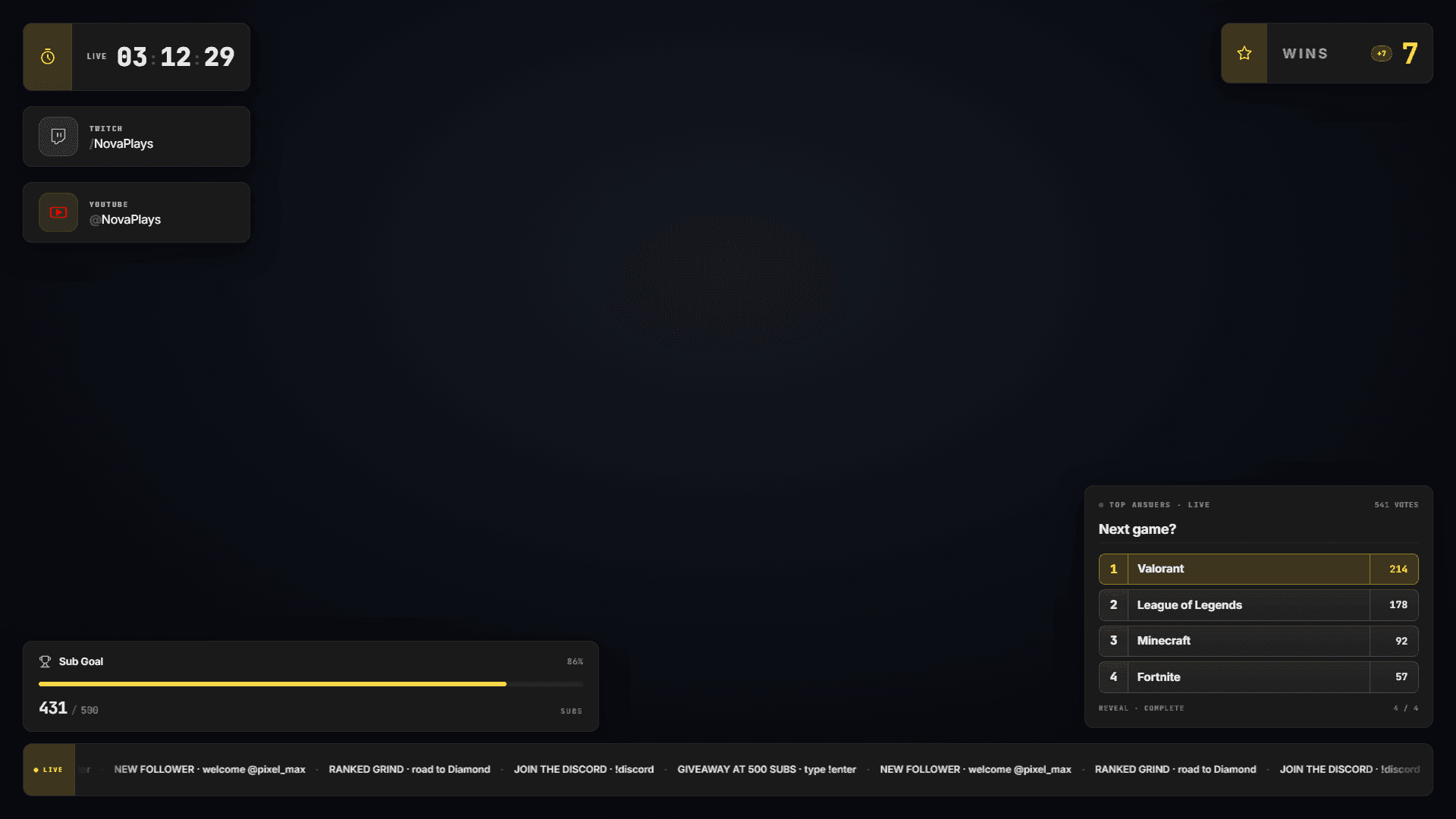
What a single link changes
One overlay, one source
All your widgets are rendered in the same page. You add a single Browser Source, instead of one source per widget.
Nothing to install in OBS
The Browser Source is part of OBS Studio. Twools adds no plugin and no script: you paste a link.
A link that stays the same
You edit your overlay in the editor, and the source updates without pasting the link again. The link stays valid as long as you use it.
A link you can replace
"Regenerate the link" creates a new link and cuts the old one. It helps if your link showed up on screen by mistake. Remember to update your source afterwards.
Add your overlay to OBS in three steps
- 01
Create your overlay link
In the editor, click "Overlay link", then "Create a secure link". Copy the link.
- 02
Add a Browser Source
In OBS, open the Sources panel, click the + button, then pick Browser. Paste the link into the URL field.
- 03
Set the size
Enter 1920 for the width and 1080 for the height, then confirm. The overlay displays on a transparent background, over your game or your camera.
Frequently asked questions about the Browser Source
Does Twools work with Streamlabs?
Yes, as with any software that accepts a Browser Source. The steps are the same: add a Browser Source and paste the overlay link into it.
Why does my source show an expired overlay link message?
This message appears when the link has been regenerated. Open the editor, copy the current link from "Overlay link" and paste it into your Browser Source.
Do I need to keep the editor open during the stream?
Not for the display: the overlay reads its state from the Twools servers. Twitch alerts and the YouTube counter, however, receive their data through an open Twools tab, editor or Control Room.