
Build your Twitch overlay, widget by widget.
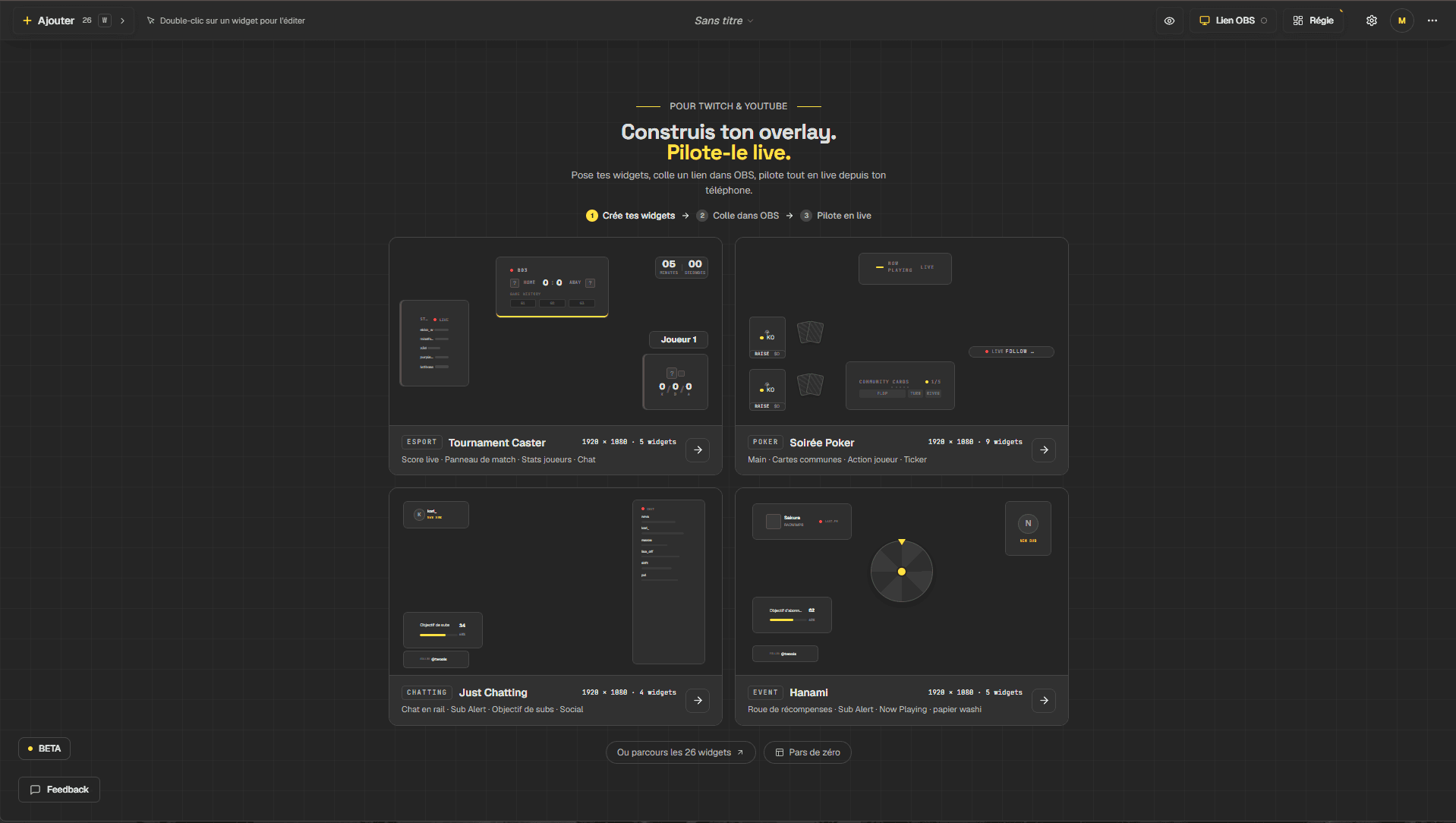
Chat, follow and sub alerts, sub goal, quiz: you pick your widgets, place them on the canvas and set their style. The overlay displays in OBS with a single link.
Free plan · No credit card
What Twools brings to a Twitch stream
Chat on screen
The Chat widget shows your channel's messages, with badges and filters by role. You connect your Twitch account once in the editor, and chat displays in OBS too.
Alerts and sub goal
Follow alerts, sub alerts and the sub goal receive their events from Twitch, through the official connection to your account. Keep a Twools tab open during the stream to receive them.
A style of your own
Colours, fonts, borders, gradients and animations are set widget by widget. A style preset applies a full identity in one click, which you can then change.
The free plan
12 of 28 widgets are included in the free plan, with the editor and the live control room. Twools Pro unlocks all 28 widgets and removes the watermark.
From the editor to the stream in three steps
- 01
Build your overlay
Add your widgets from the library, or start from a base offered by the editor: Match & competition, Poker night, Just chatting, Games & entertainment.
- 02
Paste the link into OBS
Click "Overlay link", copy the link and paste it into a Browser Source in your streaming software.
- 03
Run it from the Control Room
Open the Control Room on your phone to launch your widgets during the stream.
Frequently asked questions about the Twitch overlay
Is Twools free?
12 of 28 widgets are included in the free plan, with the editor and the live control room. Twools Pro unlocks all 28 widgets and removes the watermark. The details of each plan are on the Pricing page.
Do I need to connect my Twitch account?
Yes for chat, alerts, the sub goal and the games with chat. The other widgets, such as the timer or the counter, work without a Twitch account.
Does Twools provide ready-made overlays?
Twools offers starting points and style presets, which you change freely. It is not a gallery of themes to download: each overlay is built in the editor.
Can I use Twools for a YouTube stream?
Yes. The overlay displays in your streaming software, whatever platform you broadcast on. Chat, alerts and the quiz read Twitch. The YouTube counter shows your YouTube channel's figures.