
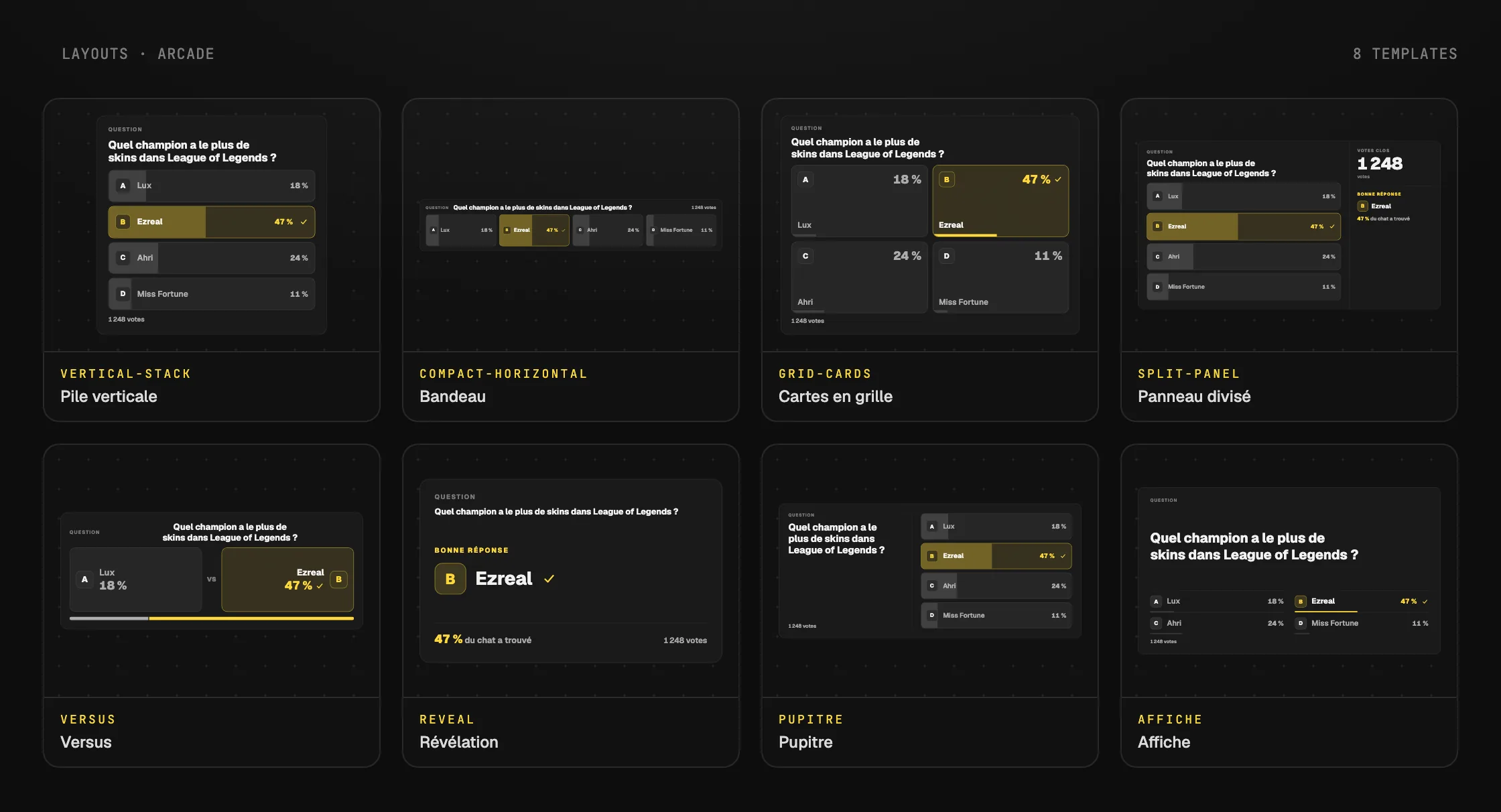
ArcadeWith Twitch chat
Quiz
Your Twitch chat votes by typing its answer. You reveal the right answer when you want.
Twitch chat, alerts, timer, quiz, random picker, LoL, poker, esports. 12 of 28 widgets are included in the free plan.
Overlays are built on a computer.
Switch layouts on each card to compare.
Your Twitch chat votes by typing its answer. You reveal the right answer when you want.
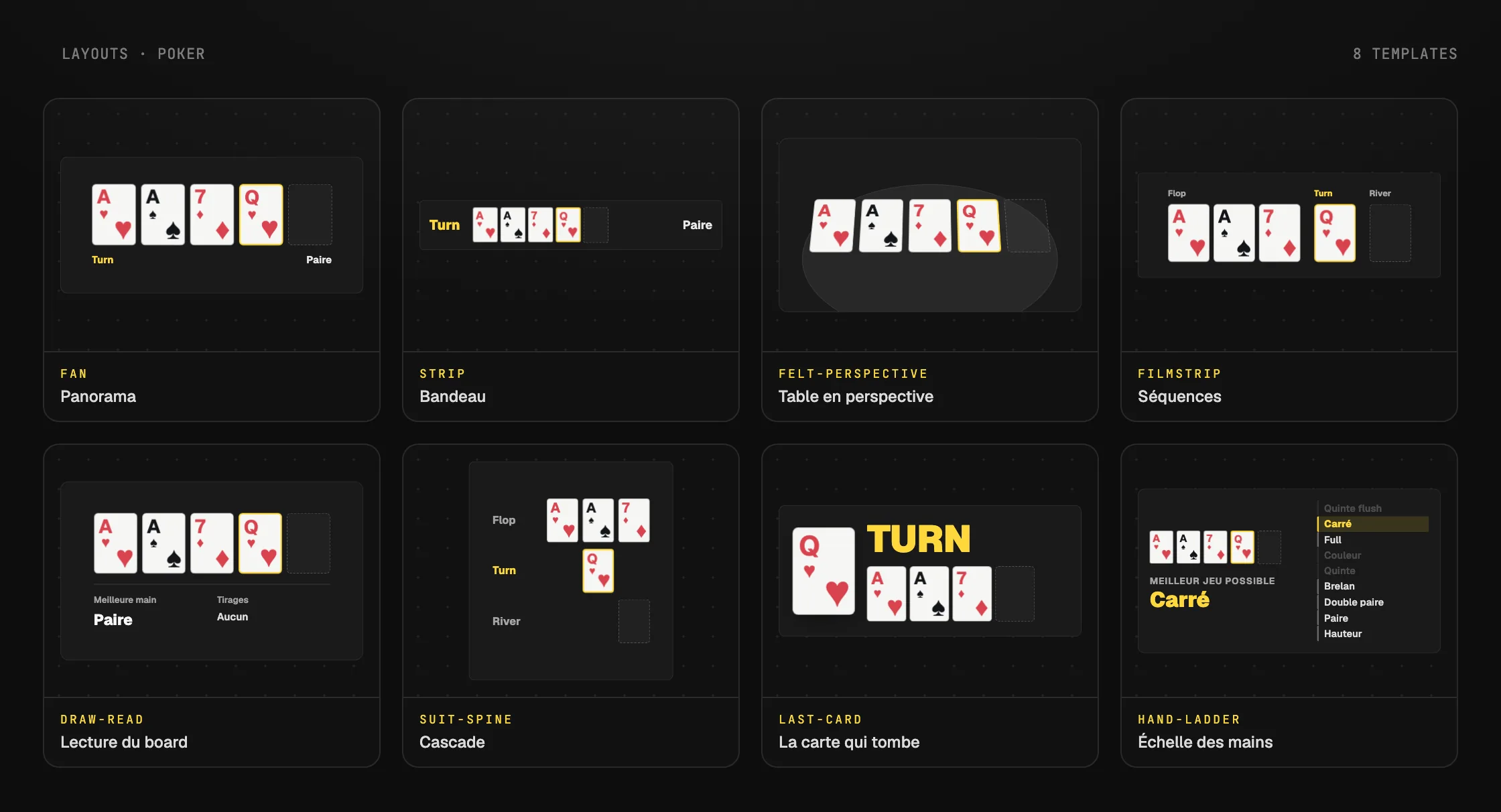
The flop, the turn and the river, revealed one by one from the Control Room.
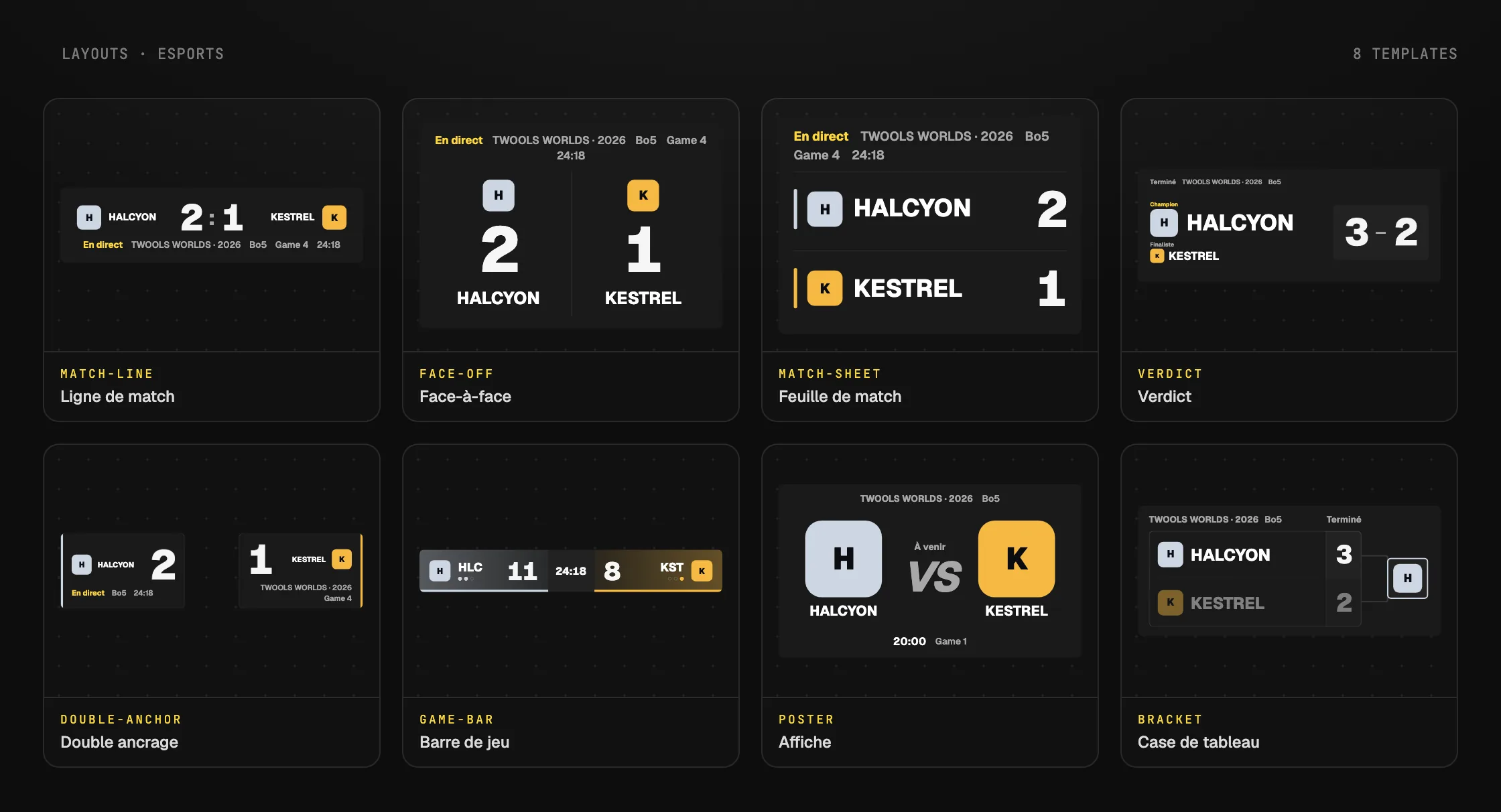
Two teams, their score and the series format. You add points from the Control Room.
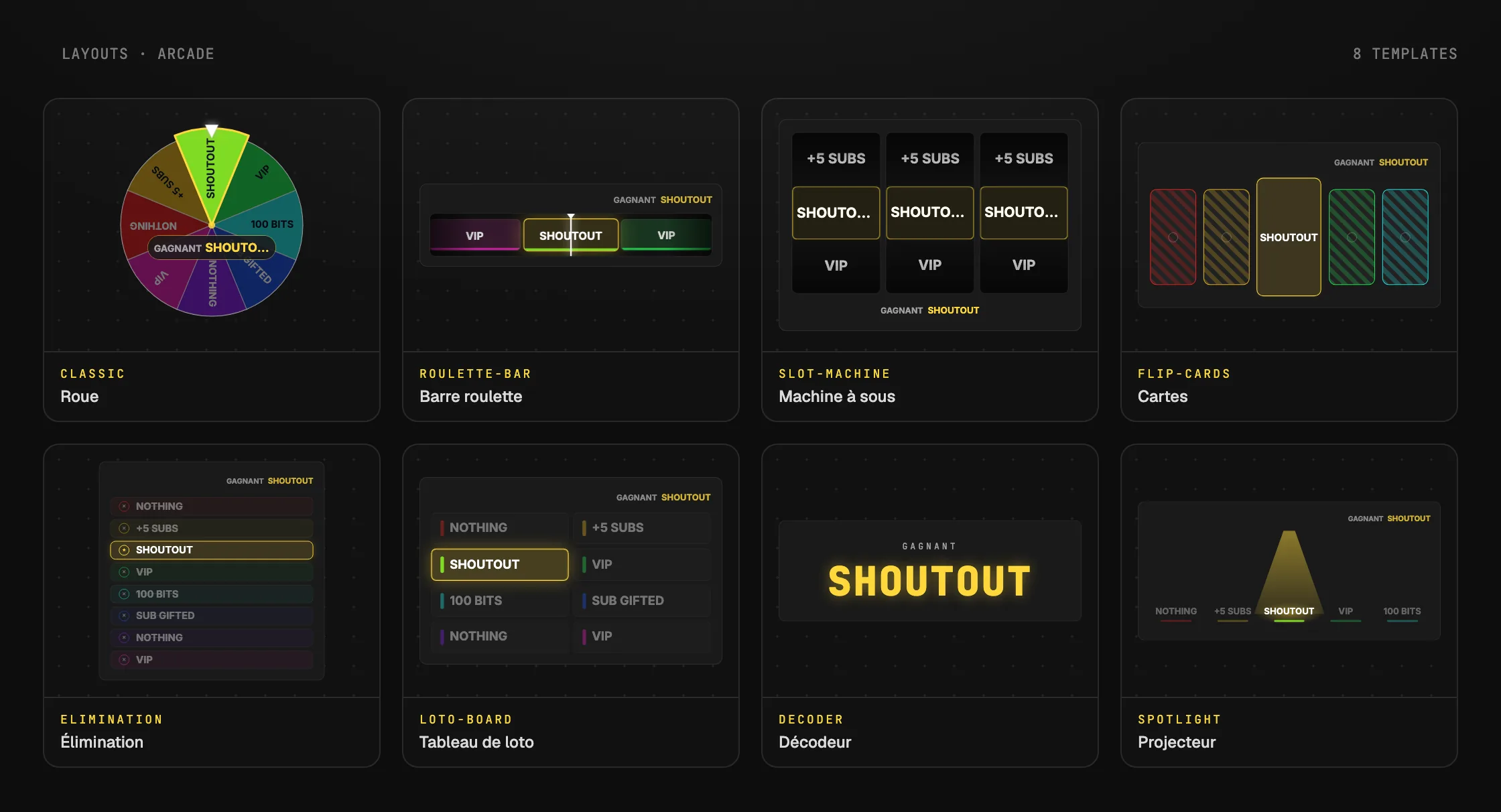
Slot machine, roulette bar or elimination: you launch the draw from the Control Room.
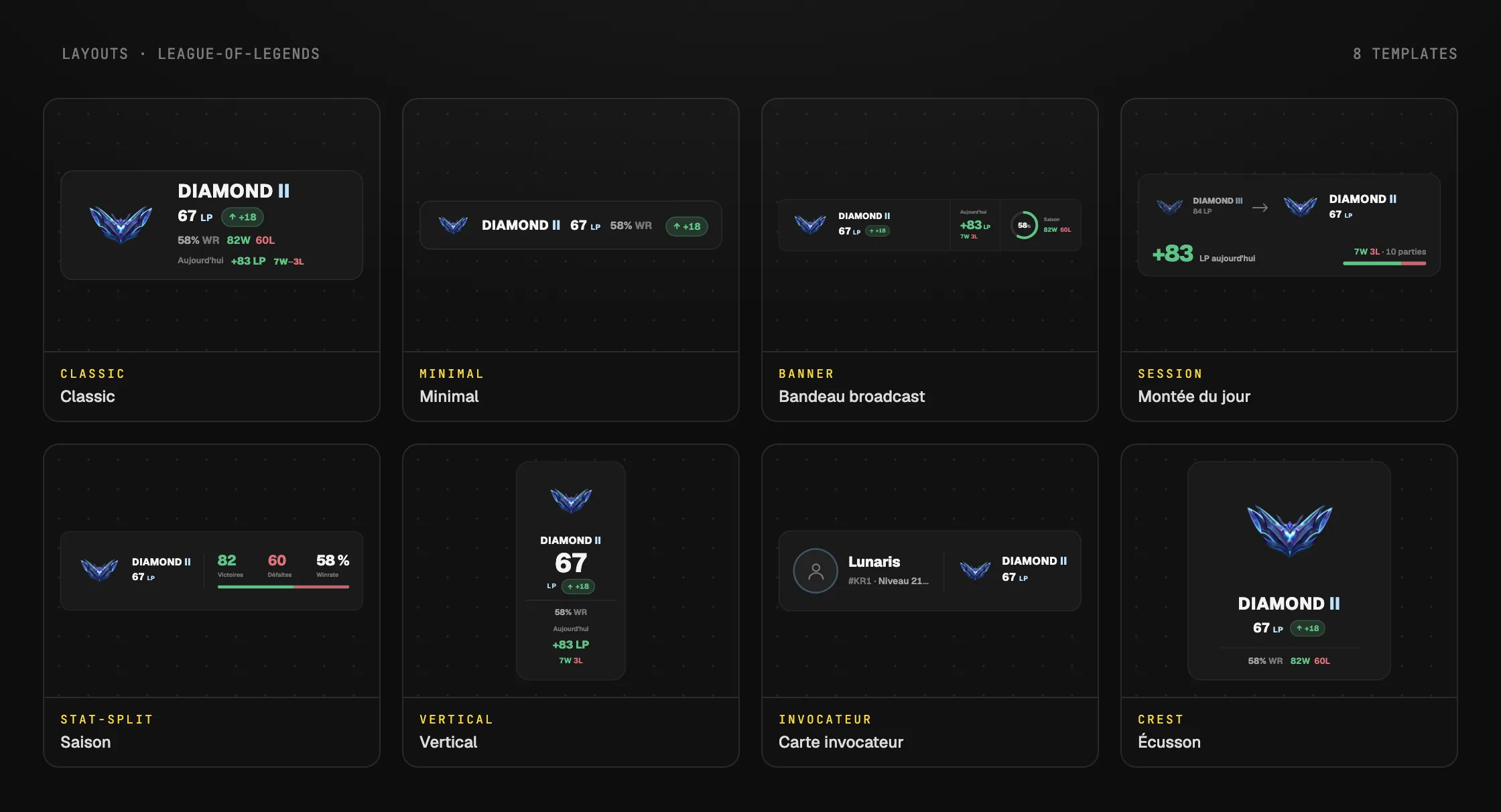
Your tier, LP and win rate in solo/duo queue. You refresh from the Control Room after a game.
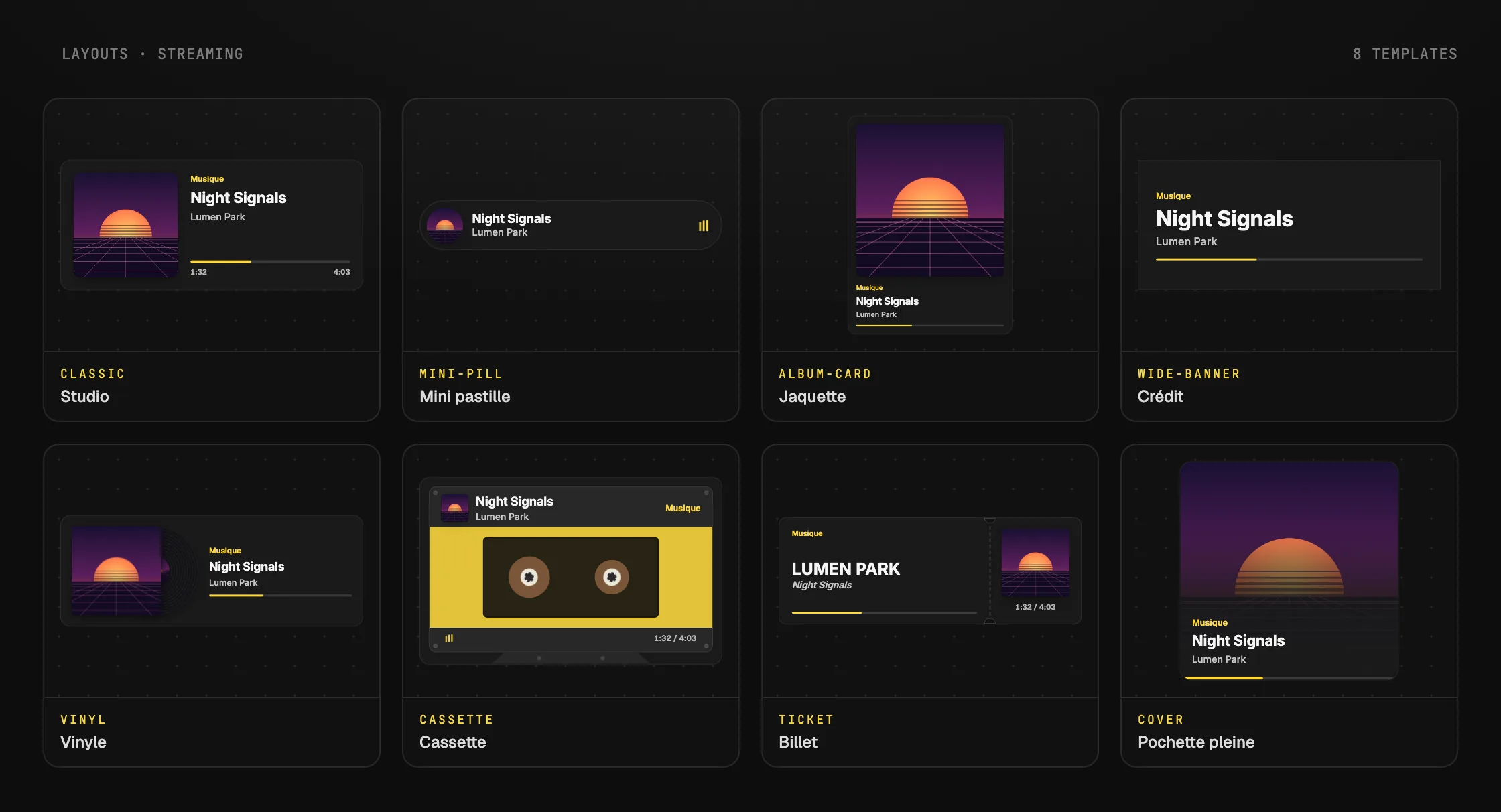
The track your PC is playing, with its cover, its title and its artist.
28 widgets, 9 categories
Count deaths or wins, show a countdown before going live, and add text and social handles to your OBS overlay.
Chat, follow and sub alerts, and the sub goal. These widgets require connecting your Twitch account.
A random picker and two games with chat: the quiz and "Guess the answers".
Your solo/duo or flex rank and your latest games, read on your PC by Twools Buddy after each game.
Your competitive rank and your latest games, read on your PC by Twools Buddy while you play.
Show the match score, teams and player stats for Valorant, CS2 or another game. All data is entered by hand.
The match score and a game clock, run by hand from the Control Room.
Hole cards, community cards, pot, player info and actions, entered as the game goes on.
Your YouTube channel's figures and the track your PC is playing.
Pick your widgets, set their style, then paste your overlay link into your streaming software.