Skip to content

Twools Buddy: your PC's music on your overlay

Twools Buddy is an app for Windows 10 and 11. It sends the track playing on the streamer's PC to their Twools account. If they turn it on for Valorant or League, it also sends their ranks and latest games, read from the clients open on the PC. It pairs with the account through a code generated in the editor.

Download for Windows

Download at no cost

Version 0.5.0 · Windows 10 and 11 · a single file, nothing to install
Windows shows "Windows protected your PC"? Here is what to click.
On air
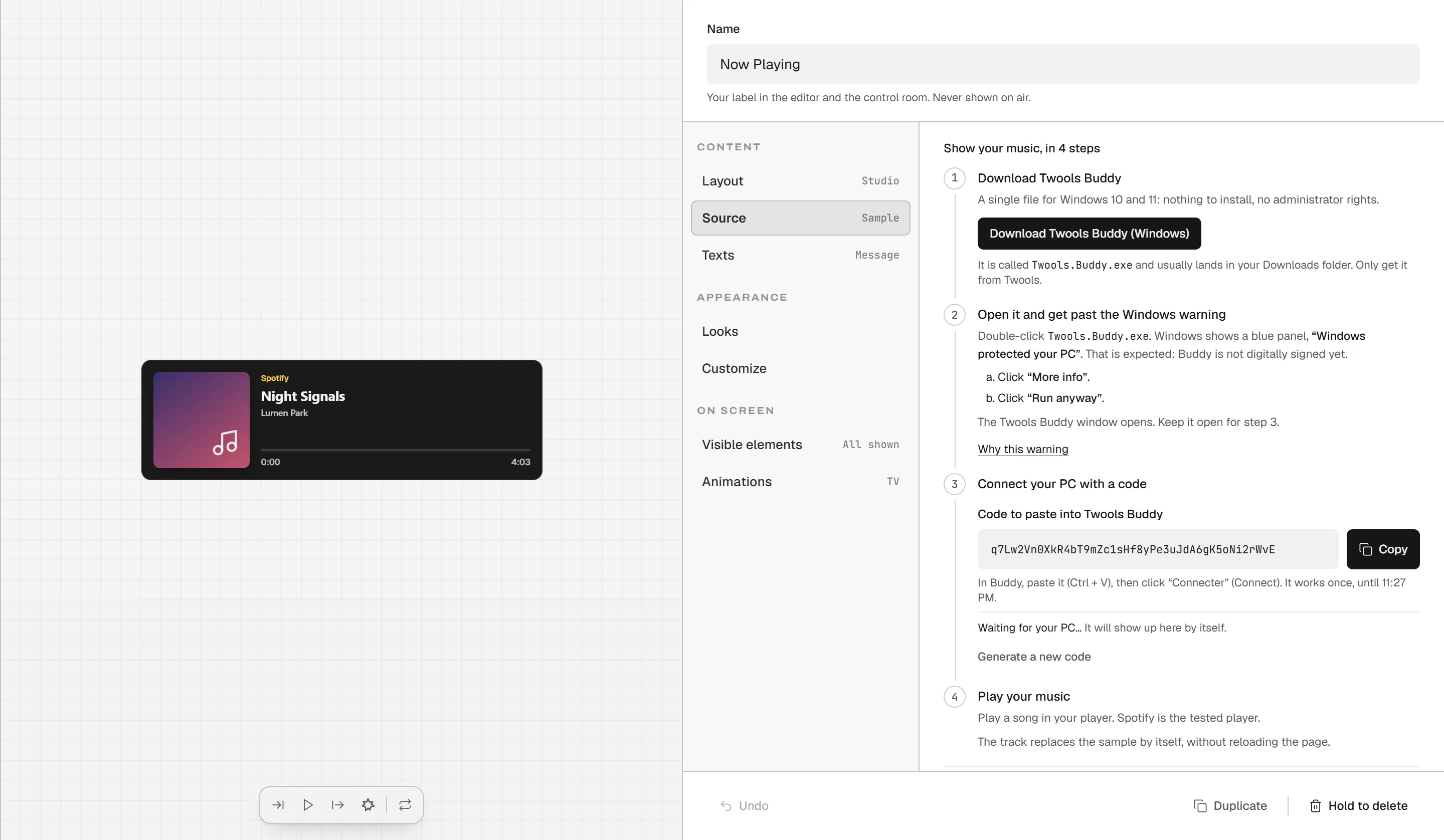
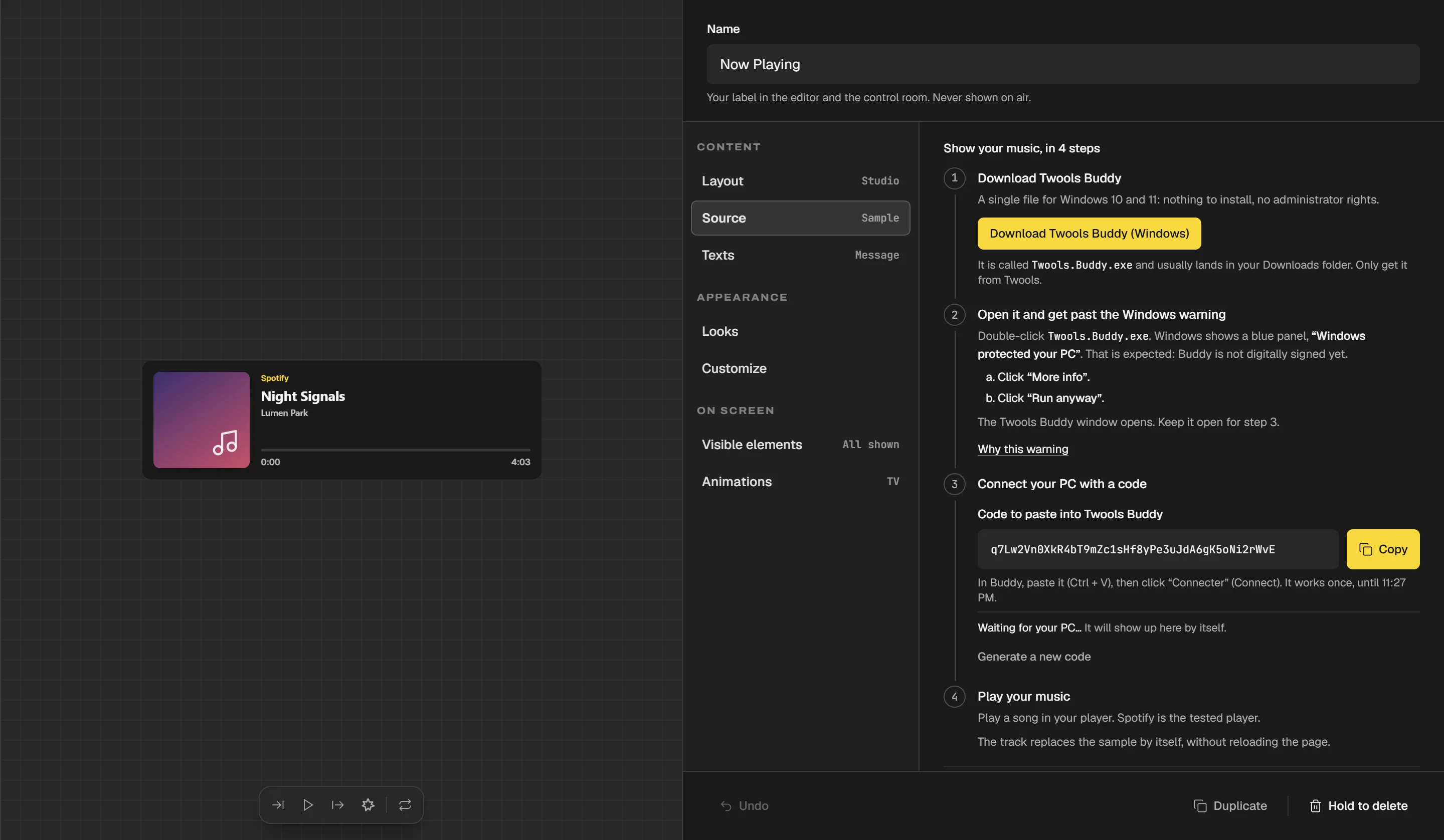
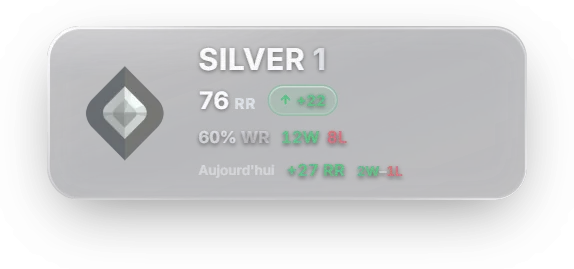
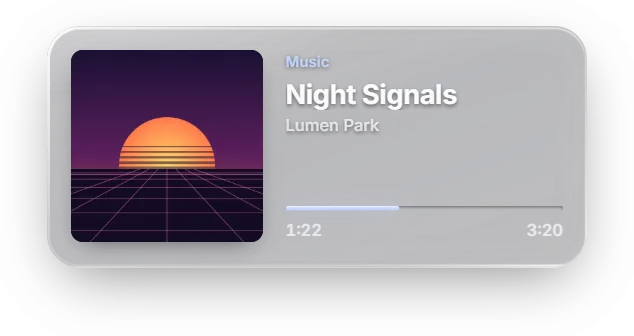
Now playing and Valorant rank, fed by Buddy from the streamer's PC.
Windows warns me, is that normal?
Yes: this version is not signed. Click "More info", then "Run anyway".
What does Buddy read?
The current track, and your ranks if you turn their reading on. Never your microphone, your screen or your files.
Is Buddy a paid app?
You can download it at no cost. The Now playing widget is included in Twools Essential, the others in the free plan.
What about Mac or Linux?
Not yet. Buddy runs on Windows 10 and 11 only.

From your PC to your overlay, screen by screen

Buddy is a single file. Once its window is closed, it stays active near the clock. The rest happens in Twools.

2 of 4

The music arrives

Play a track on your PC. The Source section shows the connected PC and the music received, and the widget shows your track instead of the sample. Spotify has been tested.
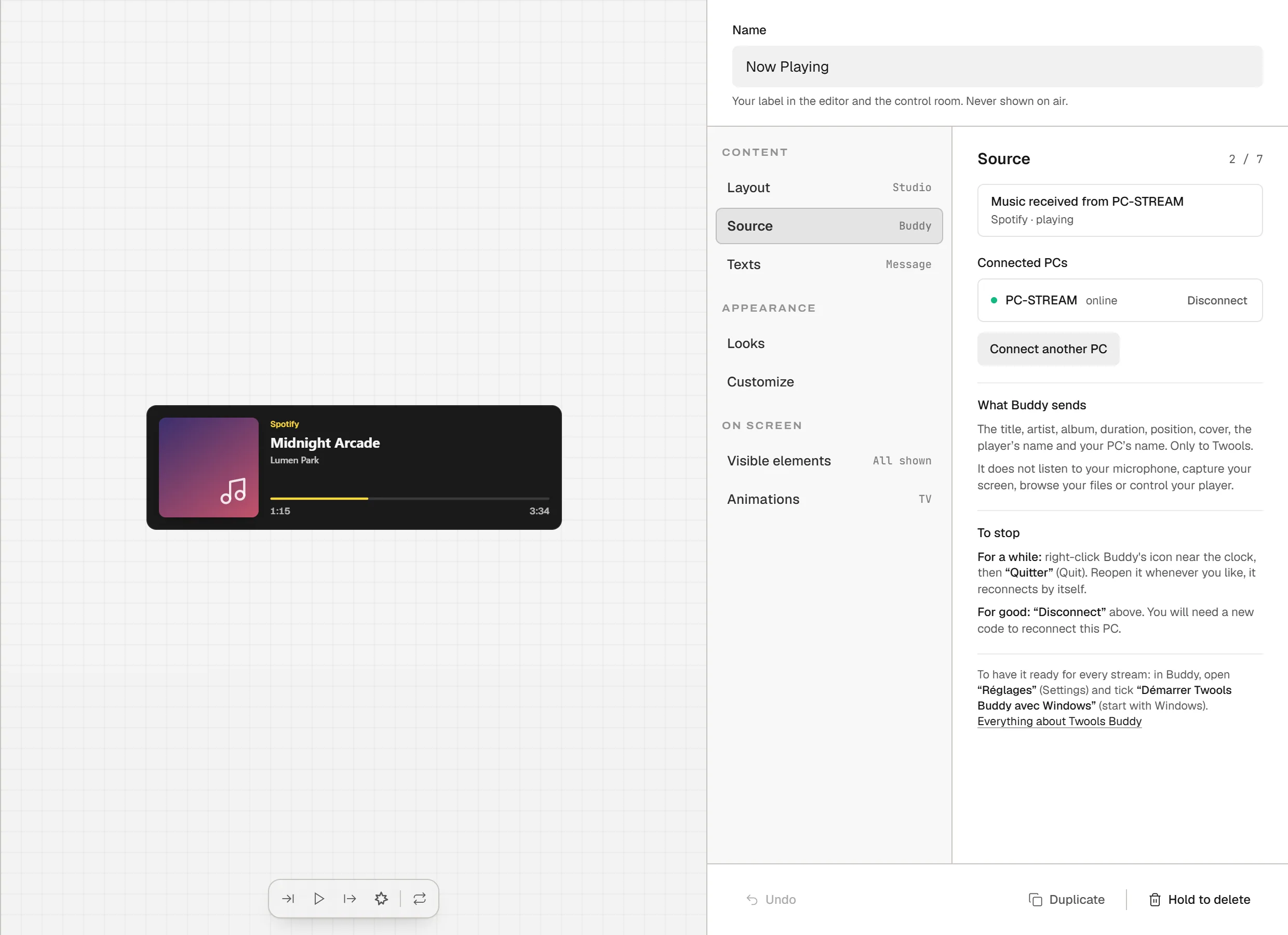
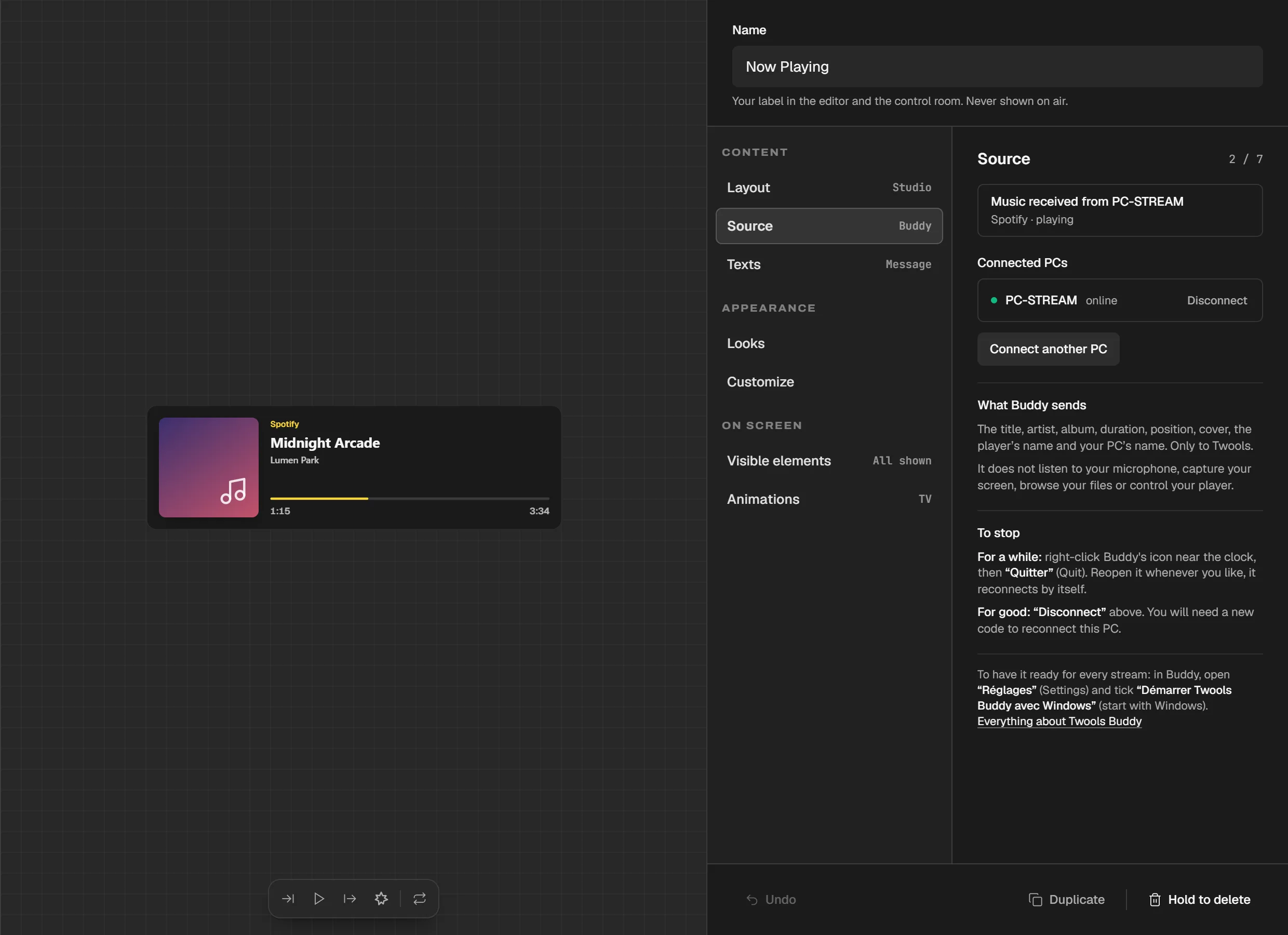
The Source section shows "Music received from PC-STREAM" and "Spotify · playing"; the widget shows Midnight Arcade by Lumen Park.

3 of 4

Your rank, if you want it

In Buddy, tick the reading in the game's tab, "Valorant" or "League". It is off by default. Buddy then reads your rank and latest matches in the client open on your PC.
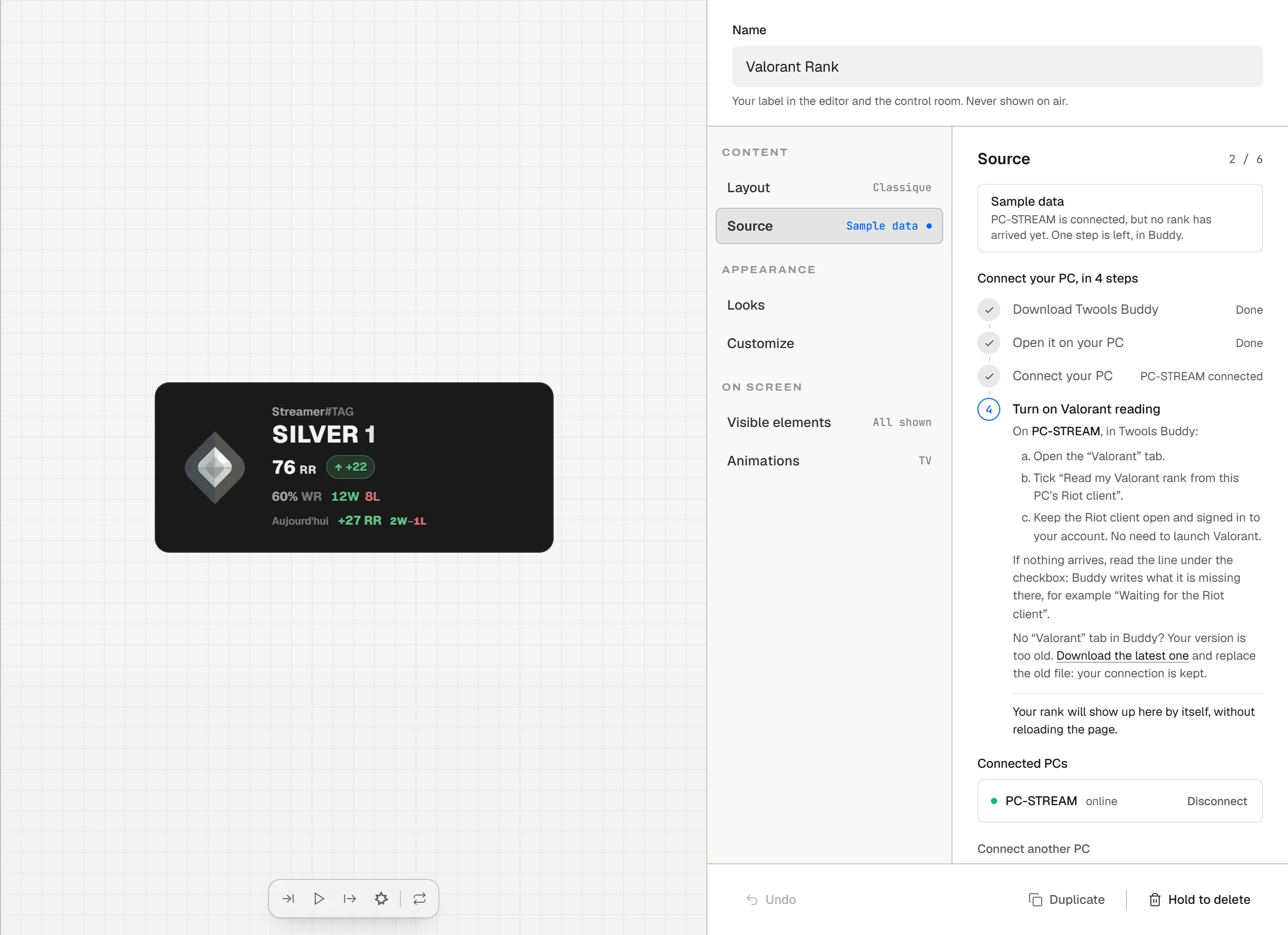
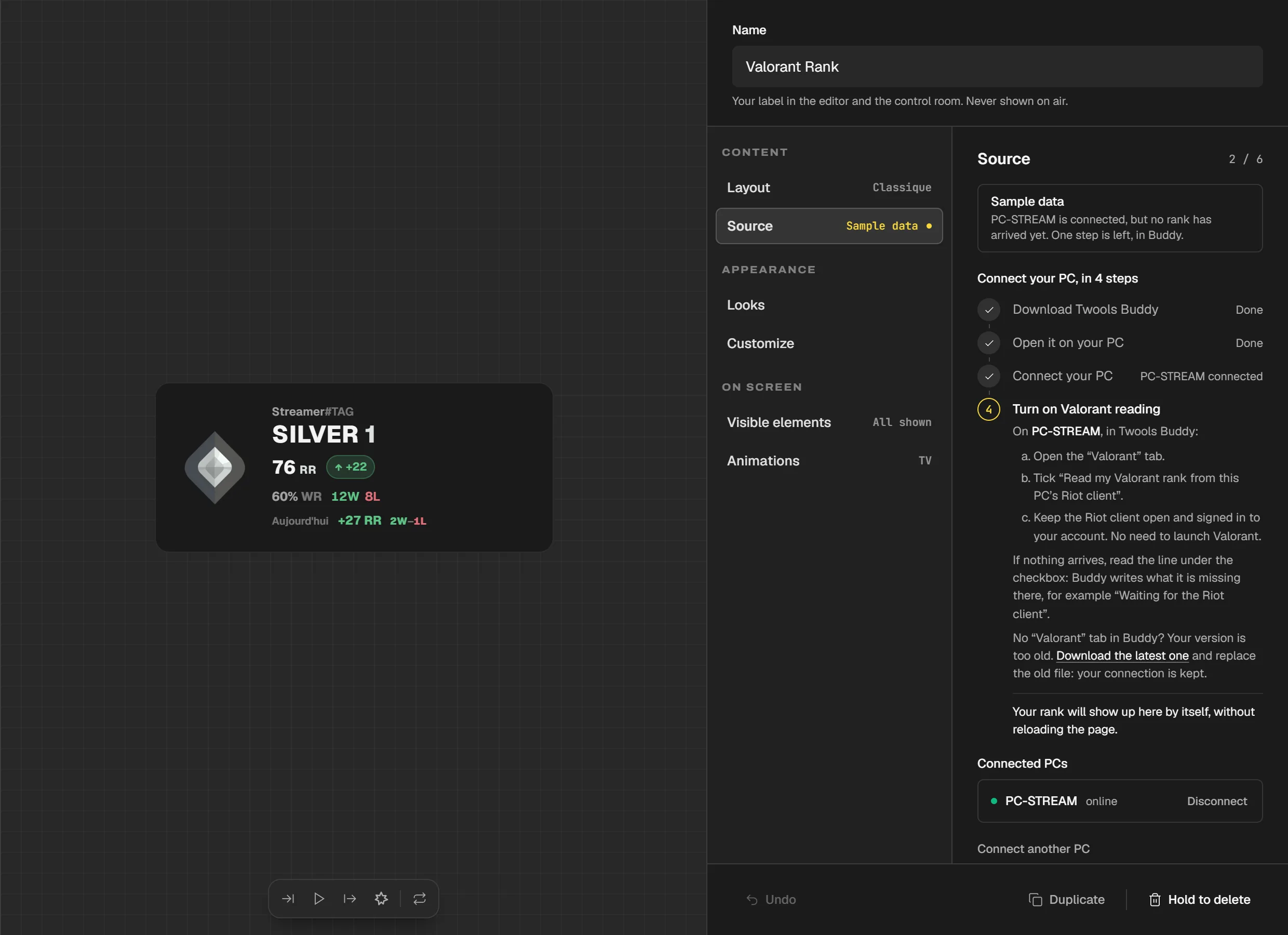
The Valorant rank widget, Source section: three steps done, the fourth asks to turn on Valorant reading in Buddy.

4 of 4

On air

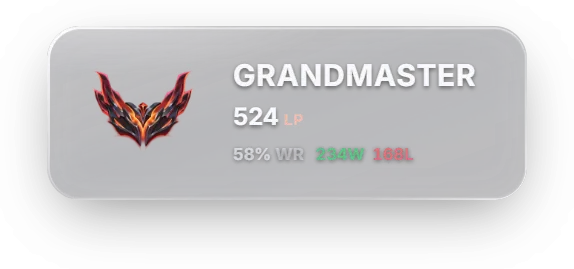
Your overlay shows what Buddy sends: the track playing, your rank, your latest matches. No third-party account to link, no API key to create.
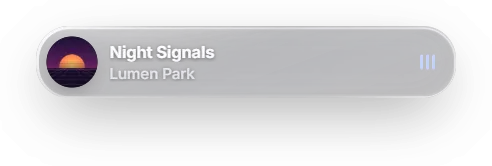
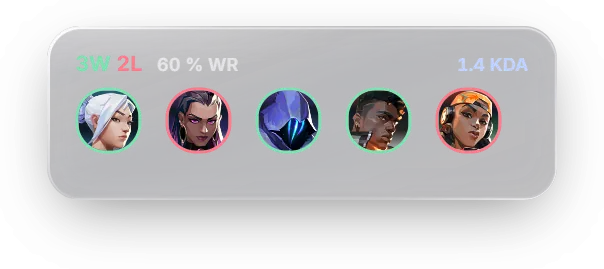
The widgets Buddy feeds

Each one has its own page, with its layouts and styles.

Why Windows shows a warning

  1. Windows shows"Windows protected your PC"
  2. Click"More info"
  3. Then"Run anyway"

This version of Buddy is not digitally signed. SmartScreen checks the reputation of downloaded apps and may show this warning. Only use the official download on this page. If your PC blocks the app without offering "Run anyway", wait for a signed version.

Understanding SmartScreen, on Microsoft's website

Real glass in OBS

What it does
In OBS, the game really bends under your glass widgets, such as Liquid Glass, Prism or Smoked Glass: warped at the edges, blurred under frosted glass, iridescent under a prism. Buddy sets it up from its "Real glass" tab.
Who gets it
Real glass is reserved for Twools Pro. Before touching OBS, Buddy asks Twools whether your account has access.
What you need
OBS 32 on that PC. In the scene on screen, your overlay link as a browser source covering the whole image, above a game capture that fills it. If the layout does not fit, Buddy turns nothing on and says what to fix in OBS.
The obs-shaderfilter module
A free, open source, third-party OBS plugin. The compatible version is 2.6.0: Buddy installs it if it is missing, with OBS closed. Version 2.6.1 crashes OBS 32: Buddy never installs it, and if it finds it in the OBS folder, it asks you to replace it with 2.6.0. Version 2.6.0, on its official page

What Buddy changes in OBS

What it sets up

  • It turns on OBS's remote control (obs-websocket), protected by a password that stays on your PC. It also listens on your local network, as with Streamer.bot.
  • It places your Twools source full frame and doubles its height: the bottom half, the glass map, stays below the stream's image, out of your viewers' sight.
  • It adds a "Twools · verre réel" filter to your game capture.
  • It only turns the glass on in the scenes that show your overlay, as long as Buddy stays open.
  • "Turn off" puts everything back as it was: the filter goes and your Twools source gets its size and place back. The module stays installed.

What it leaves alone

  • It does not change your overlay link's address.
  • It does not turn the glass on or off while you are live or recording.
  • It installs nothing without your click, and never while OBS is open.

What Buddy reads

What it sends

  • The title, artist, album, duration and playback position.
  • The player's name and the PC's name.
  • The cover shown by your player, reduced before sending. If the player provides none, Twools looks it up from the title and the artist.
  • If you turn on Valorant reading: your Riot ID, region, rank, RR and latest matches.
  • If you turn on League reading: your Riot ID, region, level, ranks, LP and latest matches. Both readings are off by default.

What it does not do

  • It does not capture your microphone or your screen.
  • It does not browse your files and does not control your player.
  • It never sees your Riot password and does not read the game's memory: it reads what Windows and the Riot and League clients expose.
  • It sends nothing about other players.
  • For real glass, it reads OBS's scenes and sources on your PC and sends none of it to Twools.

Windows and several PCs

Windows only, for now

Buddy relies on a Windows service to read the current track. There is no macOS or Linux version yet. If you need one, say so on the Twools Discord: the number of requests will decide what comes next.

Several PCs

You can connect several machines. The last one connected takes over, and you can cut the others from the editor.

Frequently asked questions

Is Twools Buddy a paid app?

You can download Twools Buddy at no cost. The Now playing widget is included in Twools Essential and in Twools Pro. The LoL rank, Match history, Valorant rank and Valorant match history widgets are included in the free plan.

Does Buddy start with Windows?

Only if you tick the option in Buddy. It is unticked by default and does not require administrator rights.

How do I update Twools Buddy?

Buddy tells you when a newer version exists. Download it from this page and replace the old file: your pairing with Twools, encrypted on your PC, is kept.

Which music players work?

Buddy reads the players that publish their track to Windows. Spotify has been tested. Others may work, with more or less complete information depending on what each one publishes.

Which OBS versions does real glass work with?

OBS 32. On any other version, Buddy installs nothing and says real glass is not compatible with your OBS version yet.

Put your music on air.

Download Buddy, paste your code, play a track.

Version 0.5.0 · Windows 10 and 11