1 of 3
Style down to the element
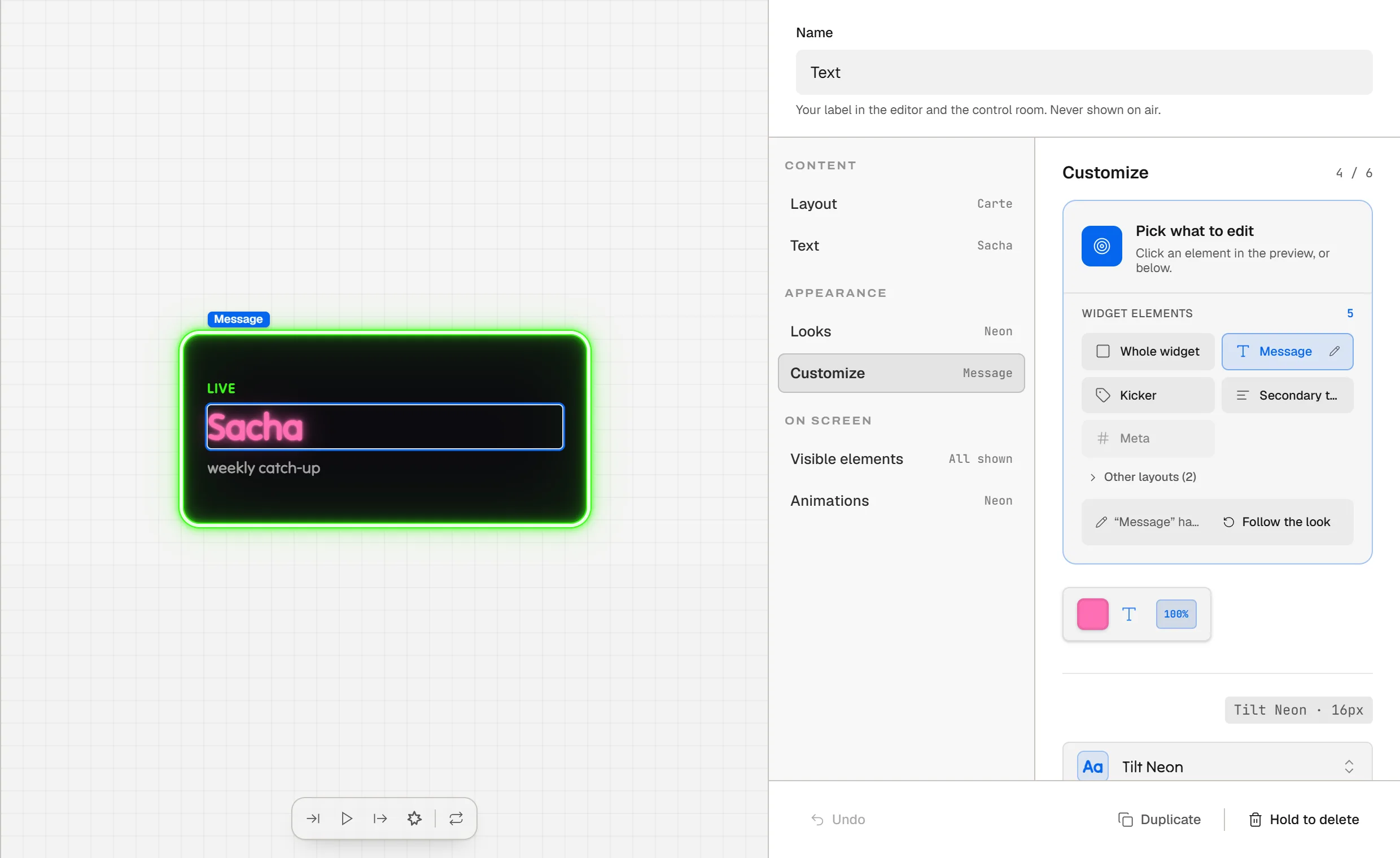
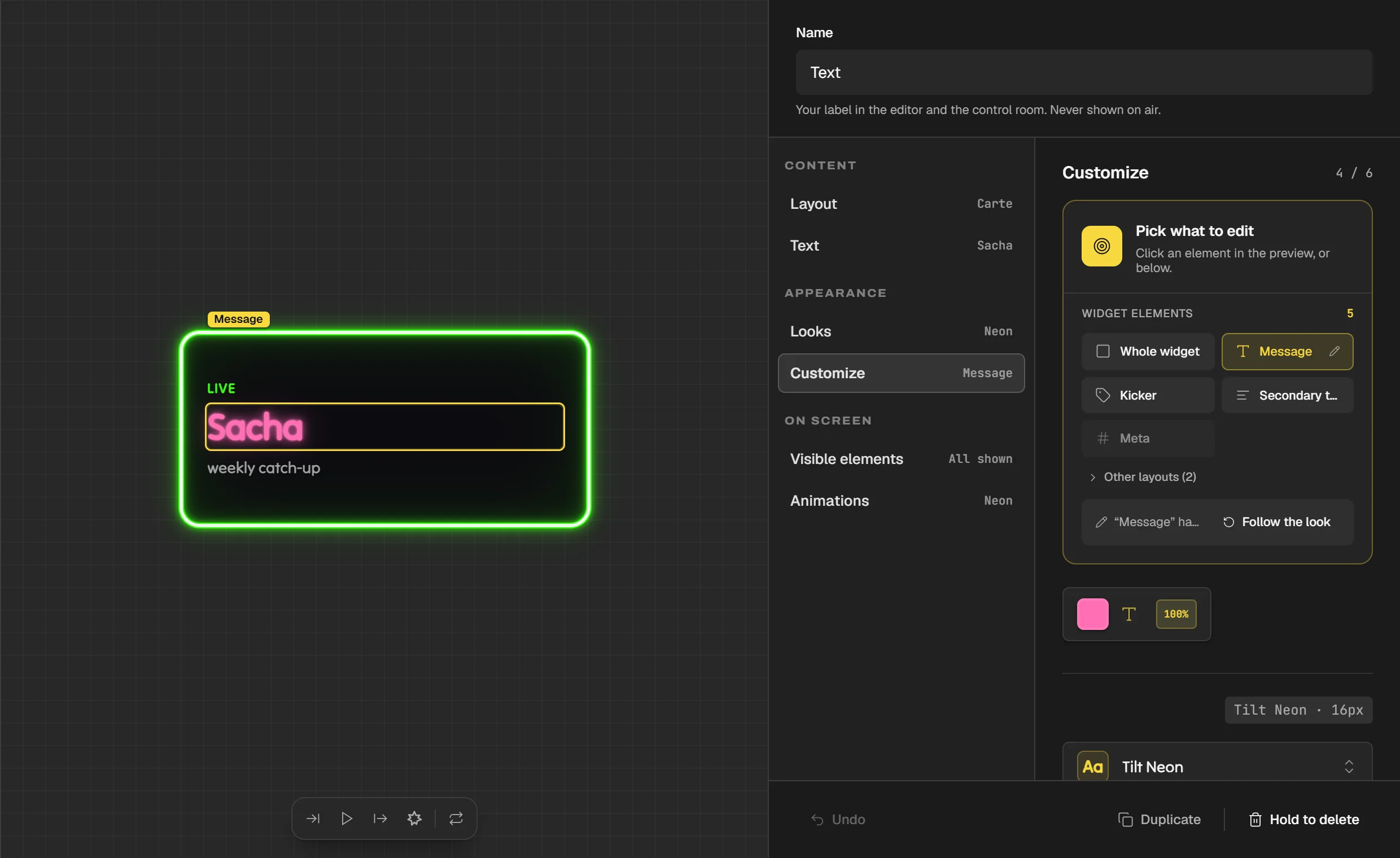
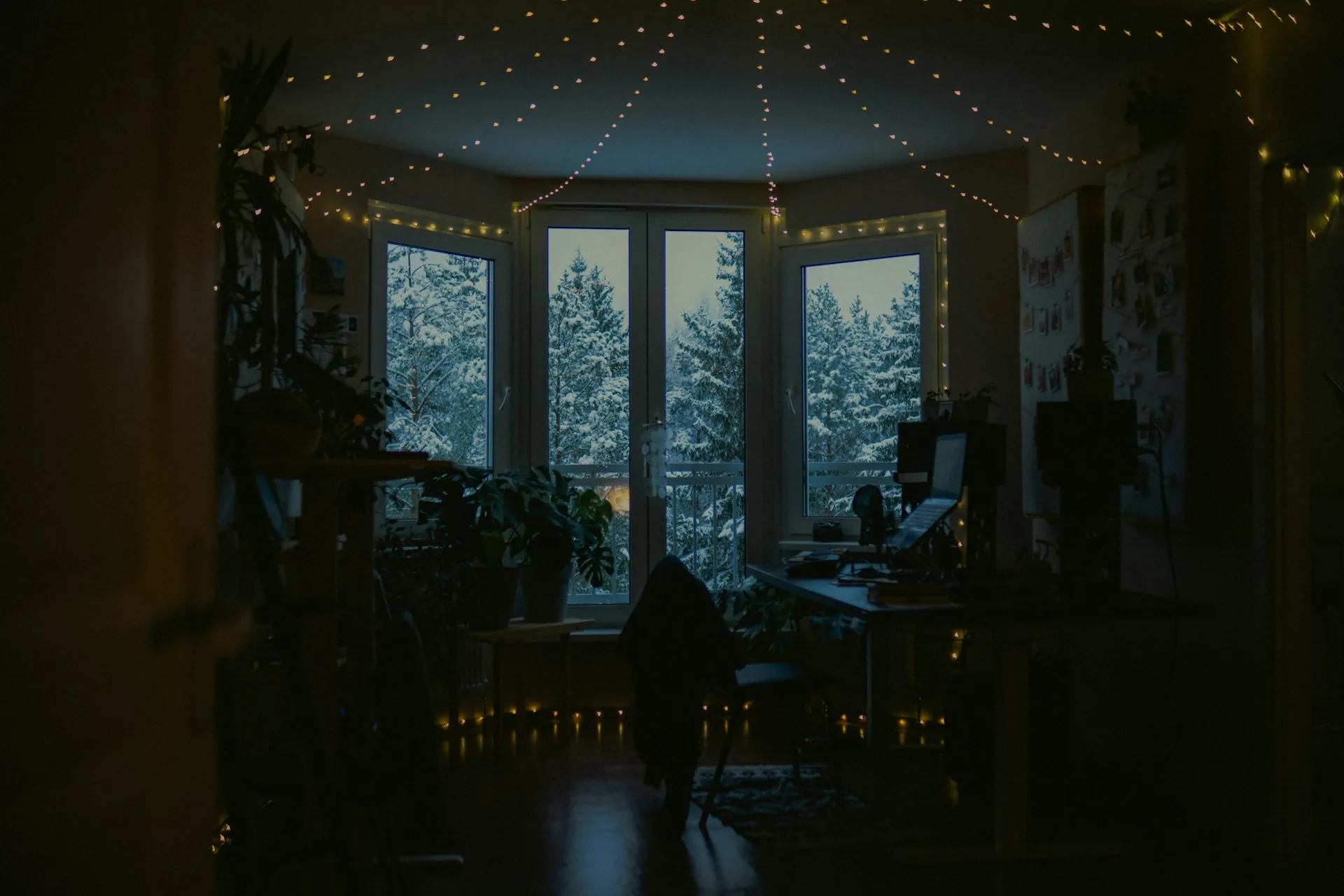
Colours, fonts, gradients, borders, text effects, entry and exit animations. You can also edit a single element of a widget, by clicking it.
A Twools overlay is built widget by widget on a blank canvas, with no theme imposed, then run during the stream from the Control Room, on a phone or a second screen. Where a template tool delivers a ready-made theme, Twools is a live production engine, for running a stream like a show.
Free plan · No credit card
Starting from a theme
You pick a theme in a gallery and adapt what the tool lets you change. It is quick. In return, the layout and the style remain those of the theme.
Building and running
You build your overlay widget by widget: position, size, colours, fonts, animations. During the stream, you show, hide and launch each widget from the Control Room, open on your phone.
On this page
Three things a ready-made theme does not give you, shown in Twools.
1 of 3
Colours, fonts, gradients, borders, text effects, entry and exit animations. You can also edit a single element of a widget, by clicking it.
2 of 3
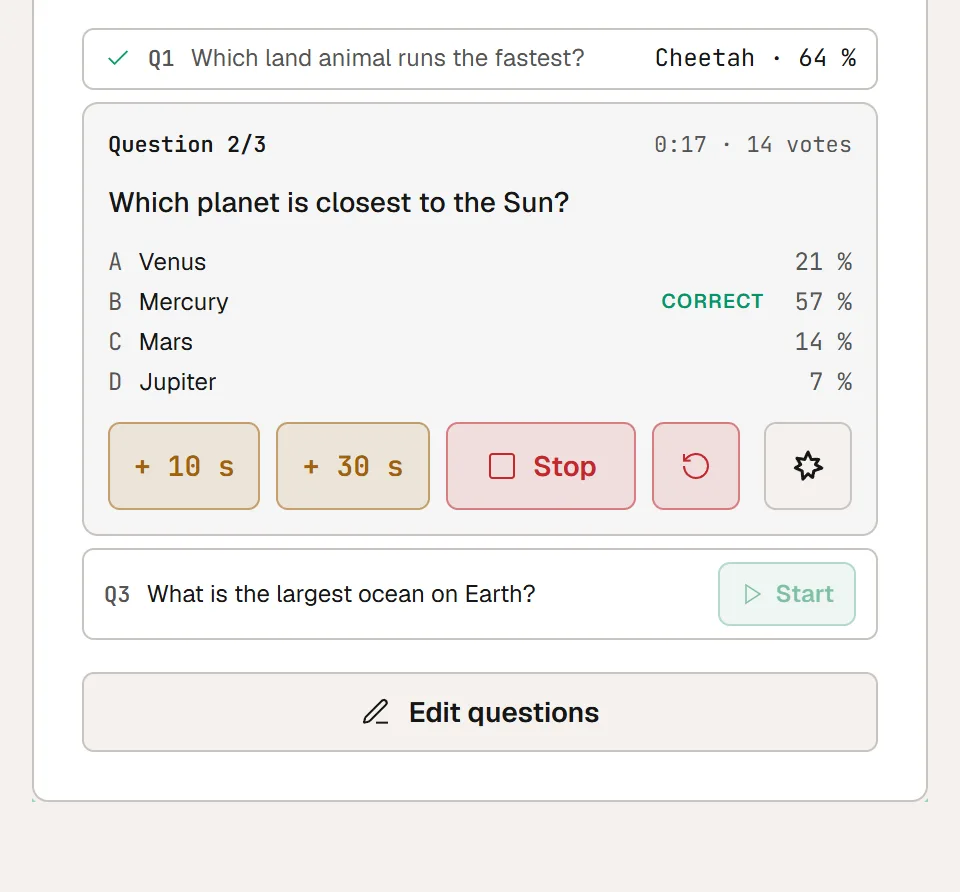
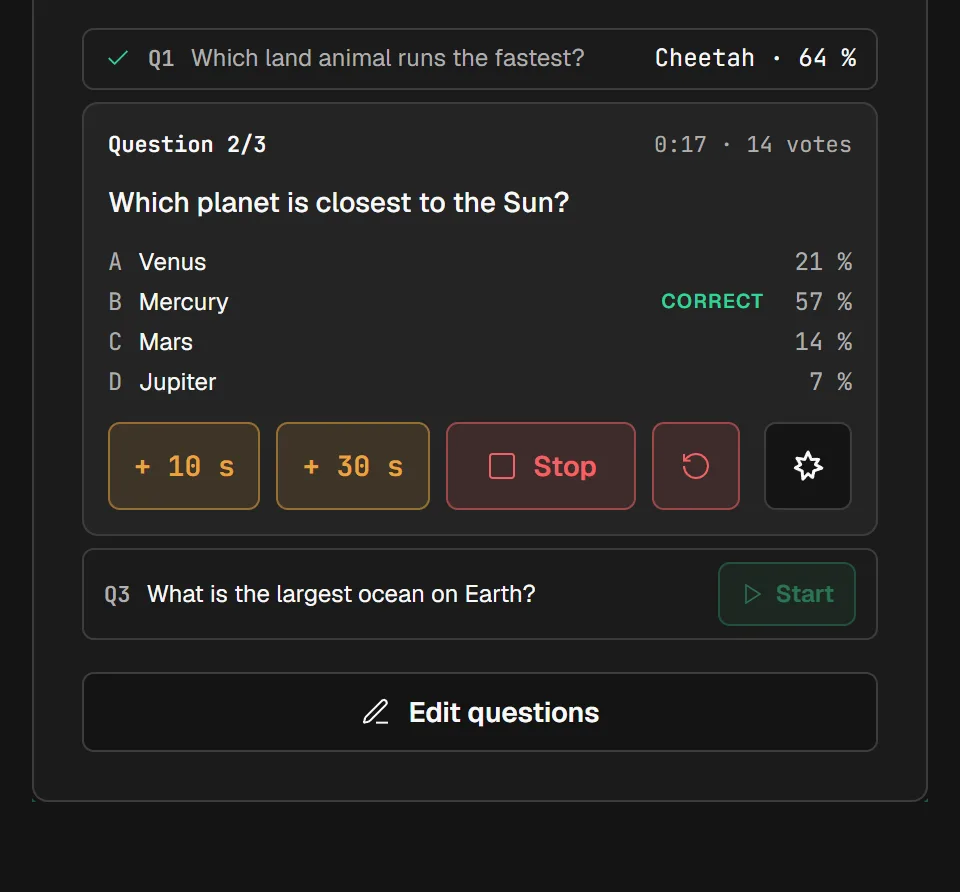
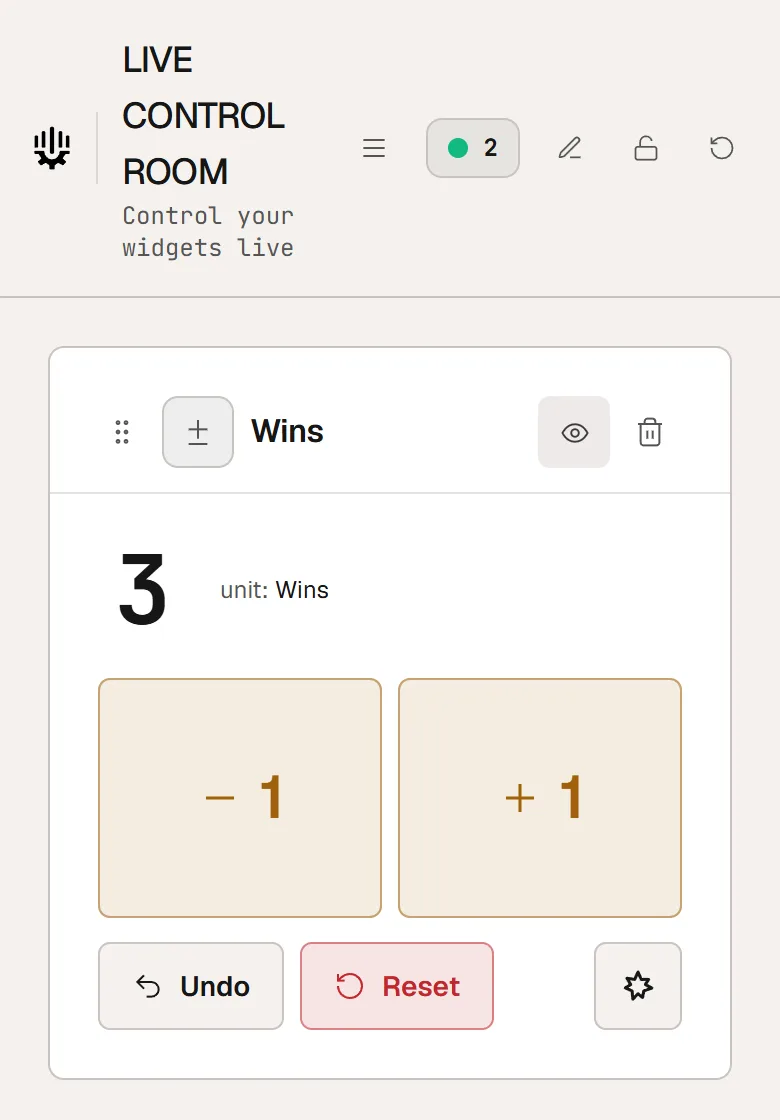
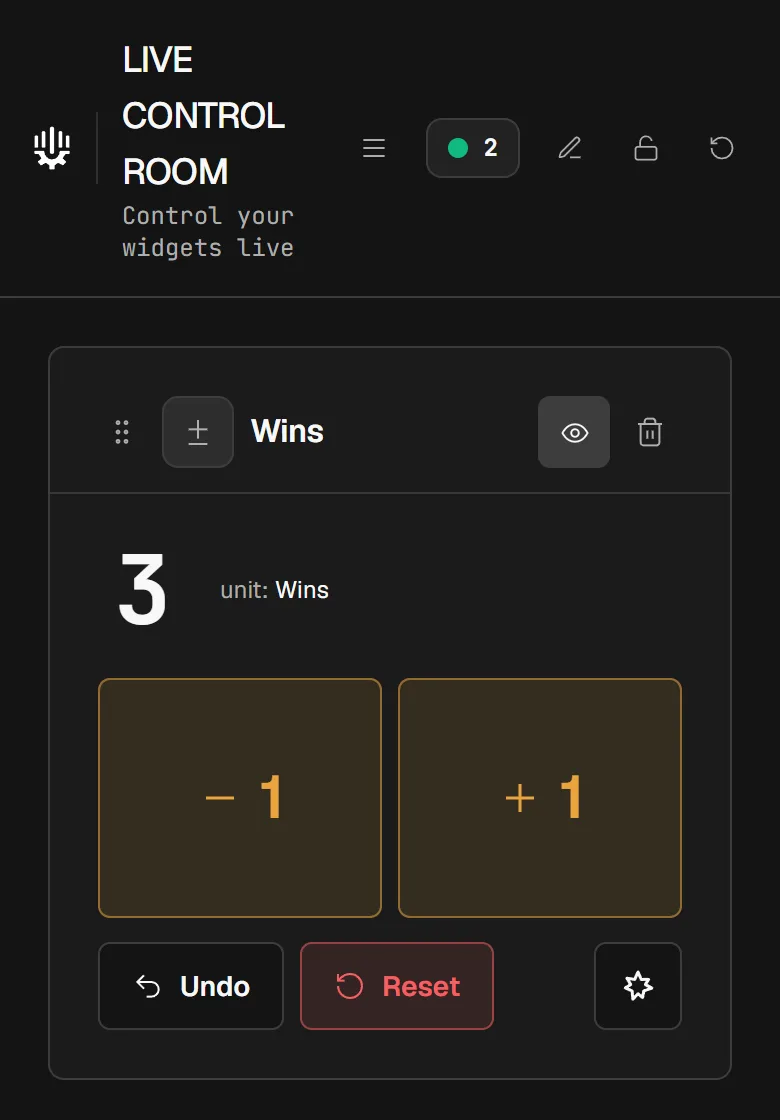
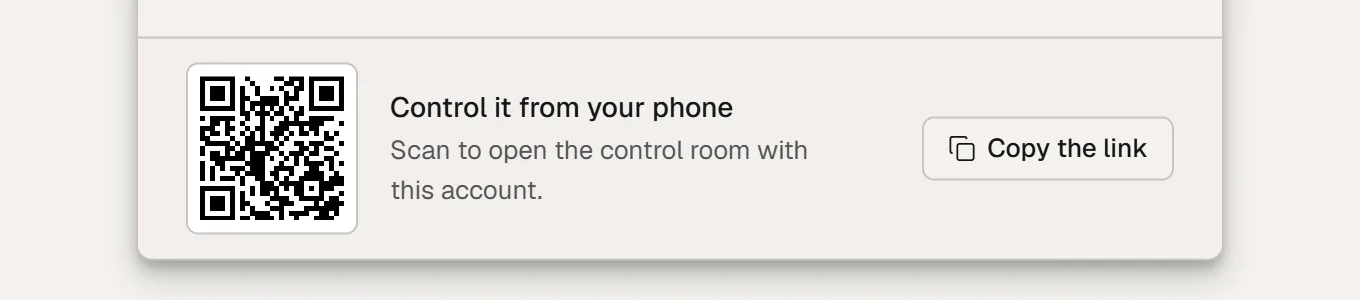
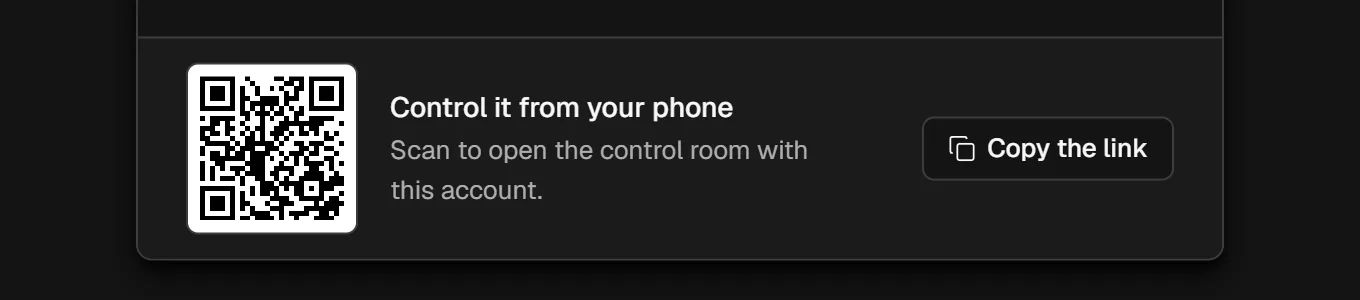
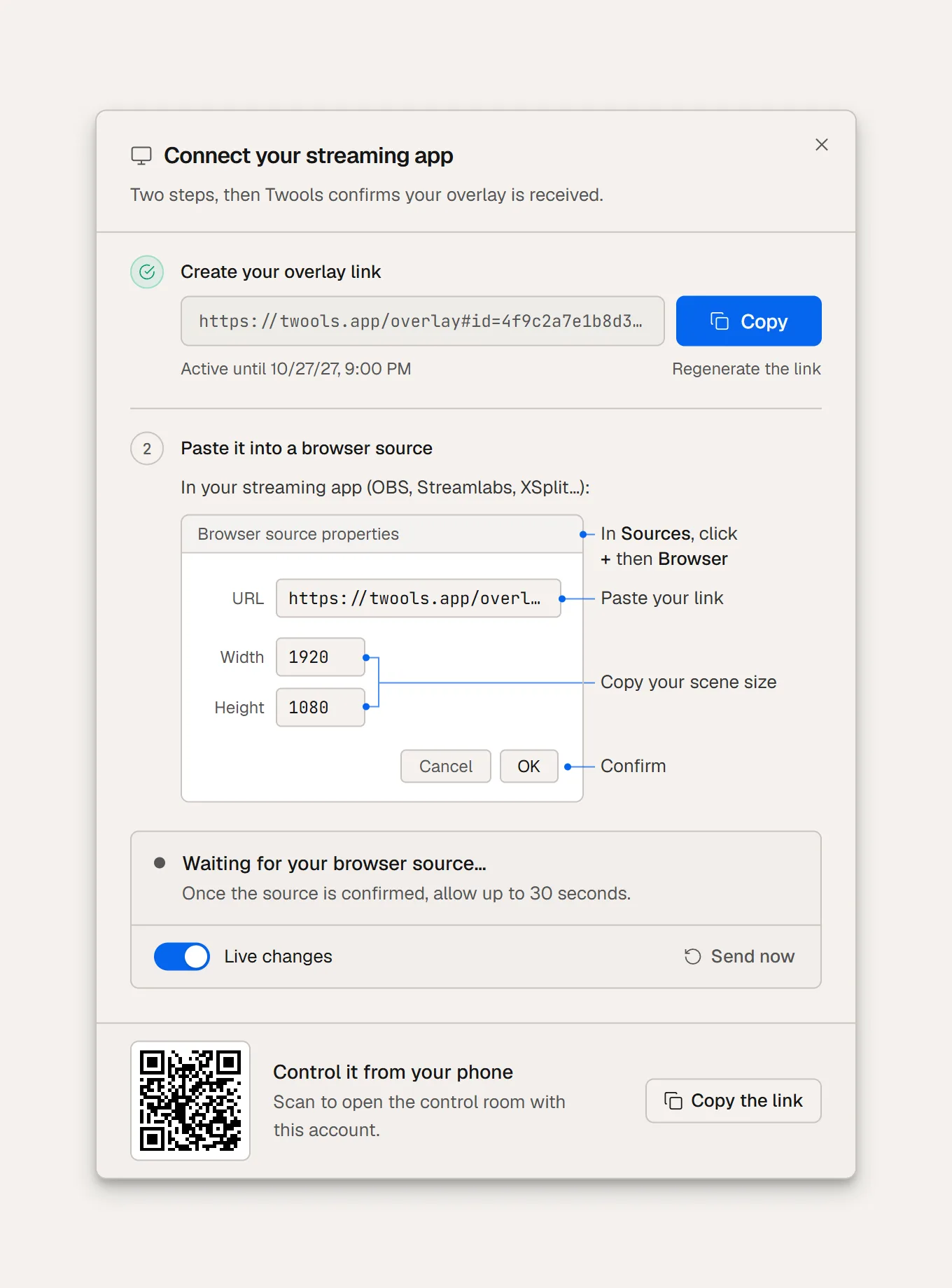
Your phone, your tablet or a second screen open the Control Room in a browser. You launch your widgets without switching windows on your streaming PC. The QR code in the "Overlay link" window opens it on your phone.
3 of 3
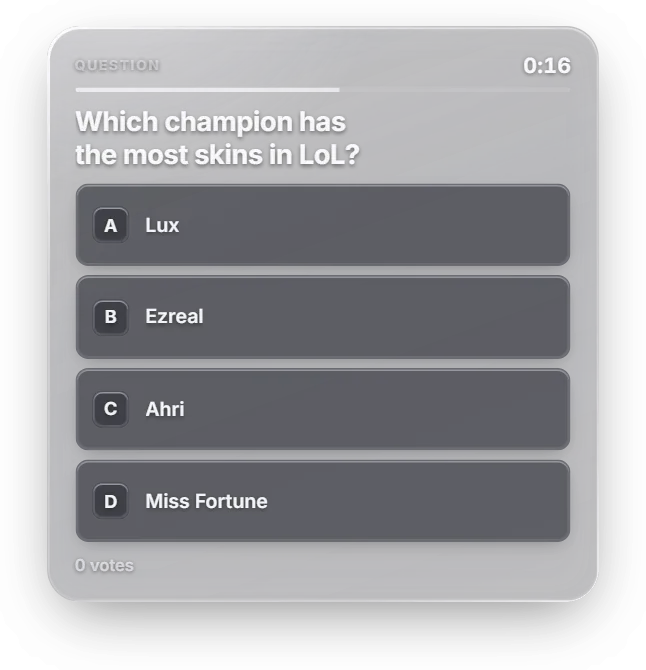
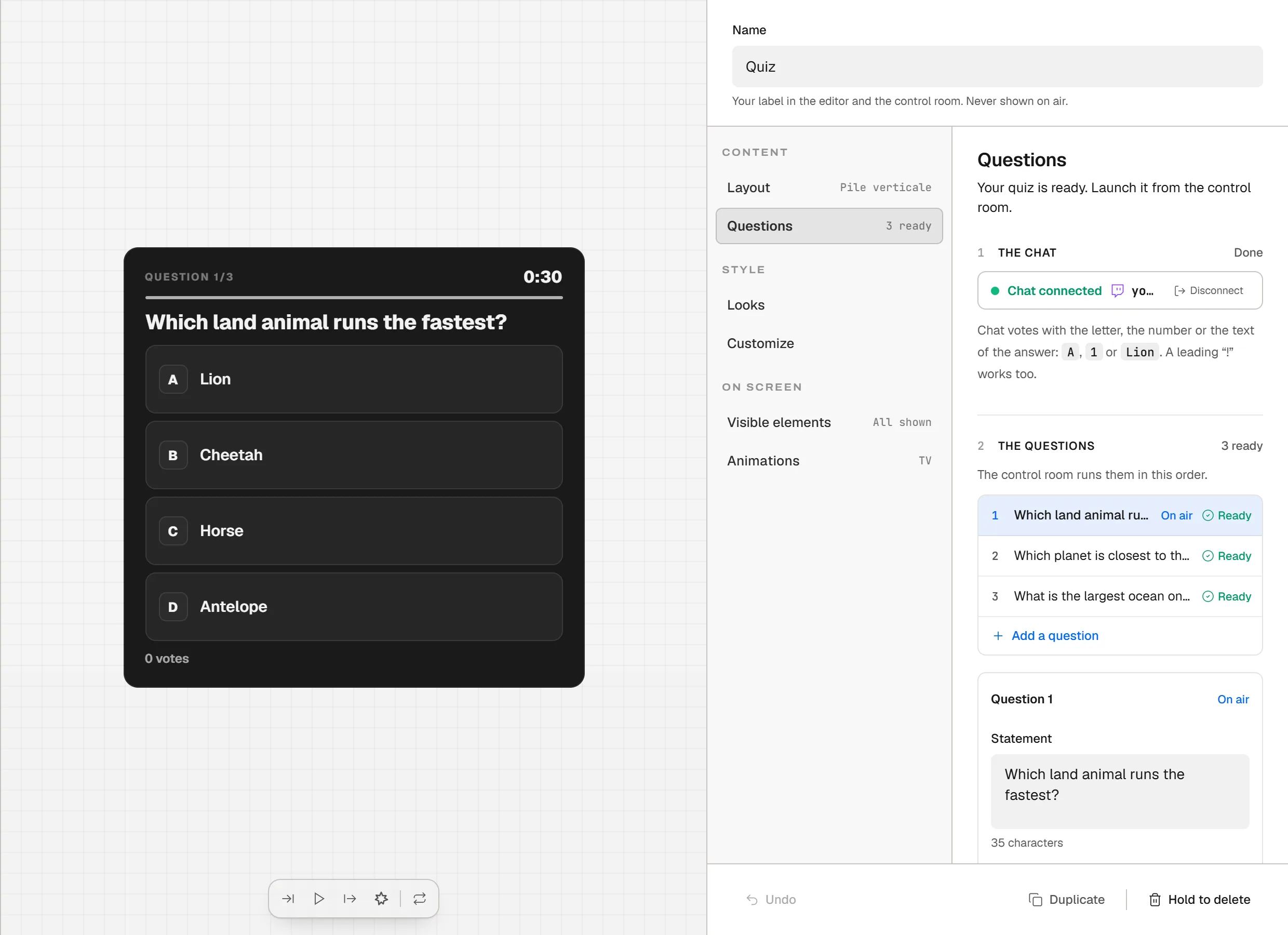
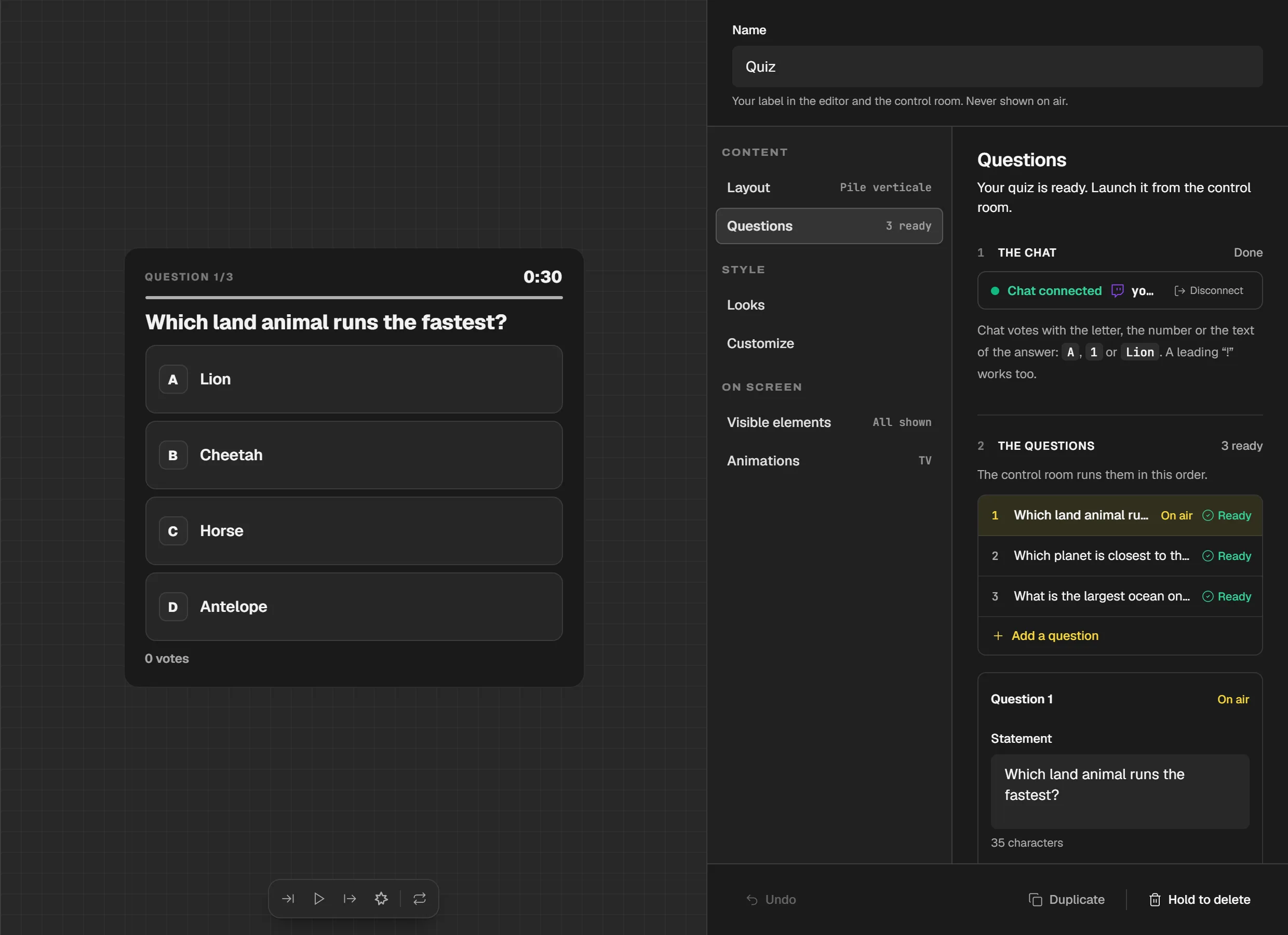
The quiz lets your Twitch chat vote, and "Guess the answers" collects what chat suggests. Your viewers play by typing in chat.
Four ways to run a stream like a show, with the widgets the Control Room runs.
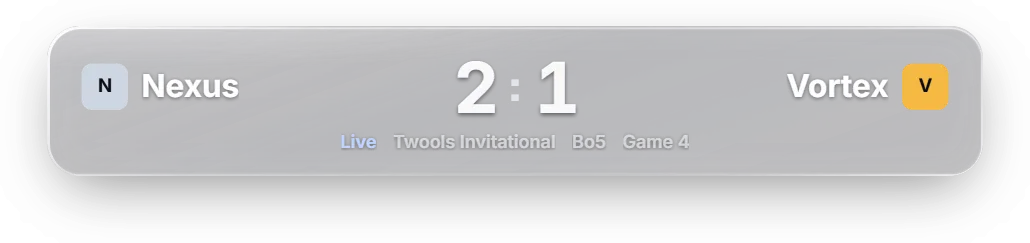
Score, pre-match poster and player stats. Everything is entered by hand from the Control Room: Twools reads no game and no tournament.
Esports score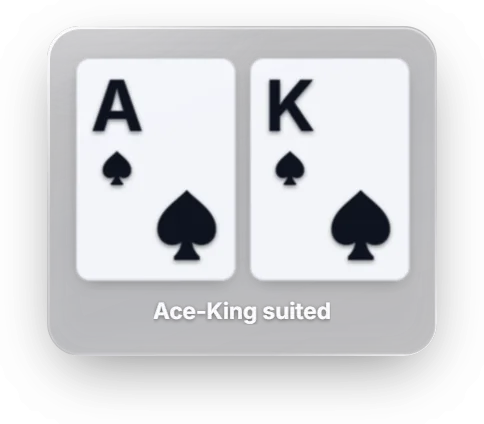
Hole cards, community cards, pot, stack and actions. You enter each piece of information from the Control Room, as the hand unfolds.
Poker hand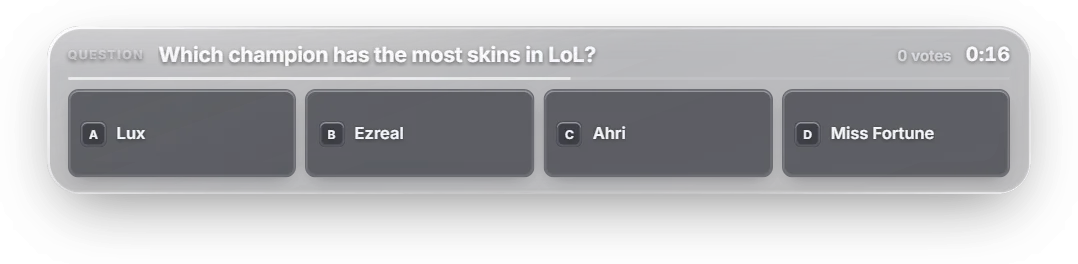
You launch the question, chat votes by typing its answer, and you reveal the result when you want.
Quiz
Scrolling banner, timer, social handles, now playing: the dressing of a show, which you change as the stream goes on.
Scrolling bannerTwools handles the dressing of your stream and running it live. For everything else, keep your tools: it joins your streaming software as one more Browser Source.
A blank canvas, your widgets, your control room.
Free plan · No credit card