
1 of 3
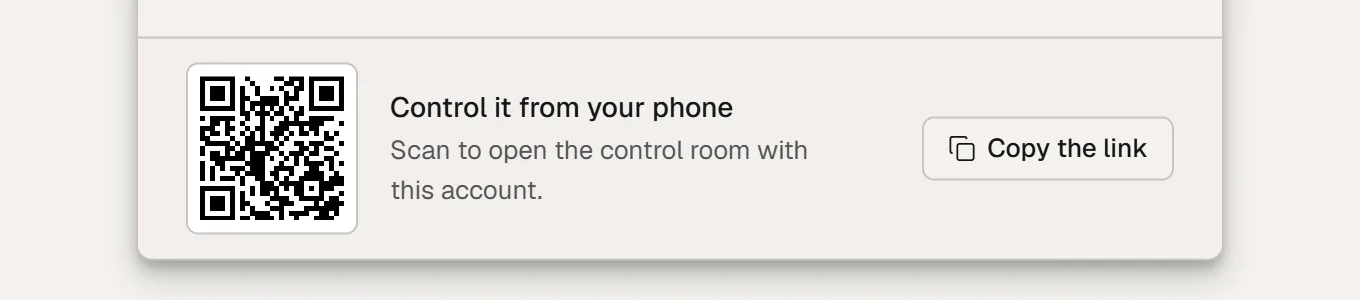
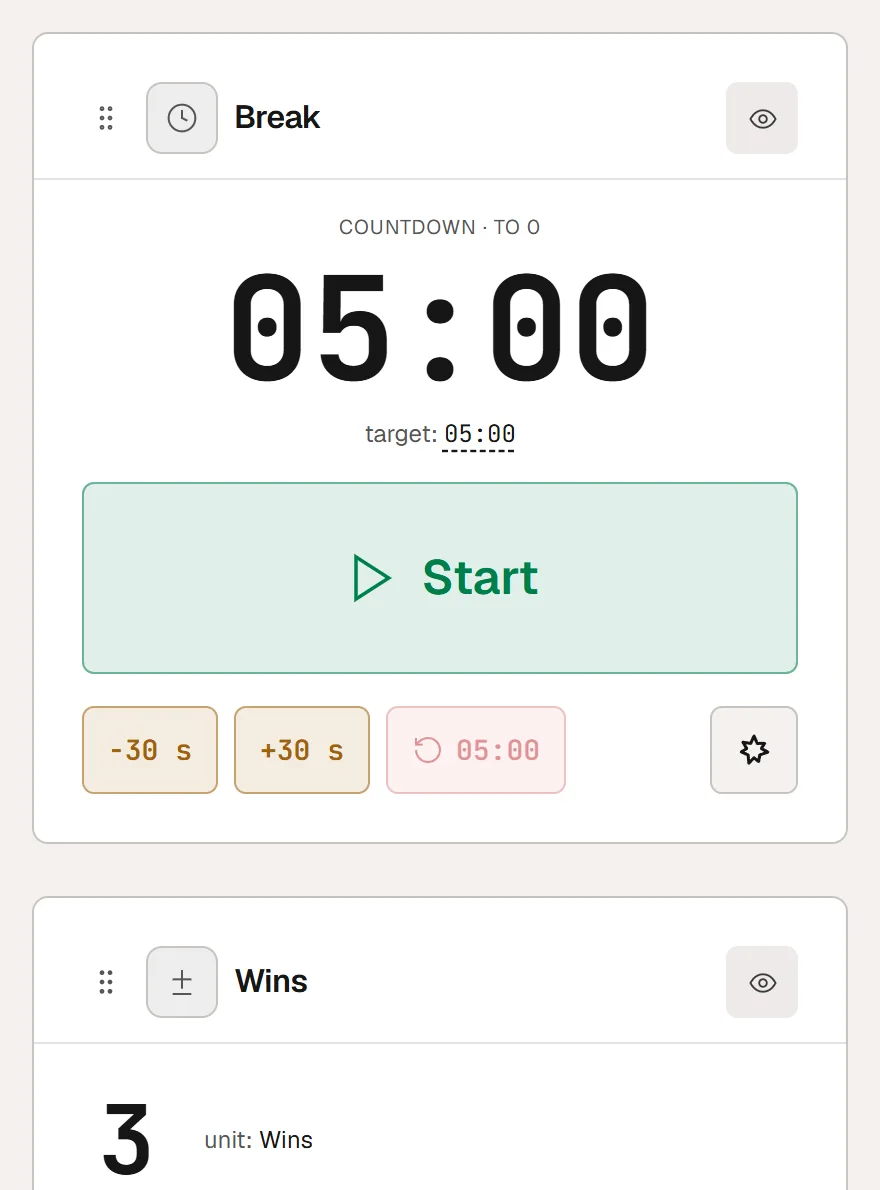
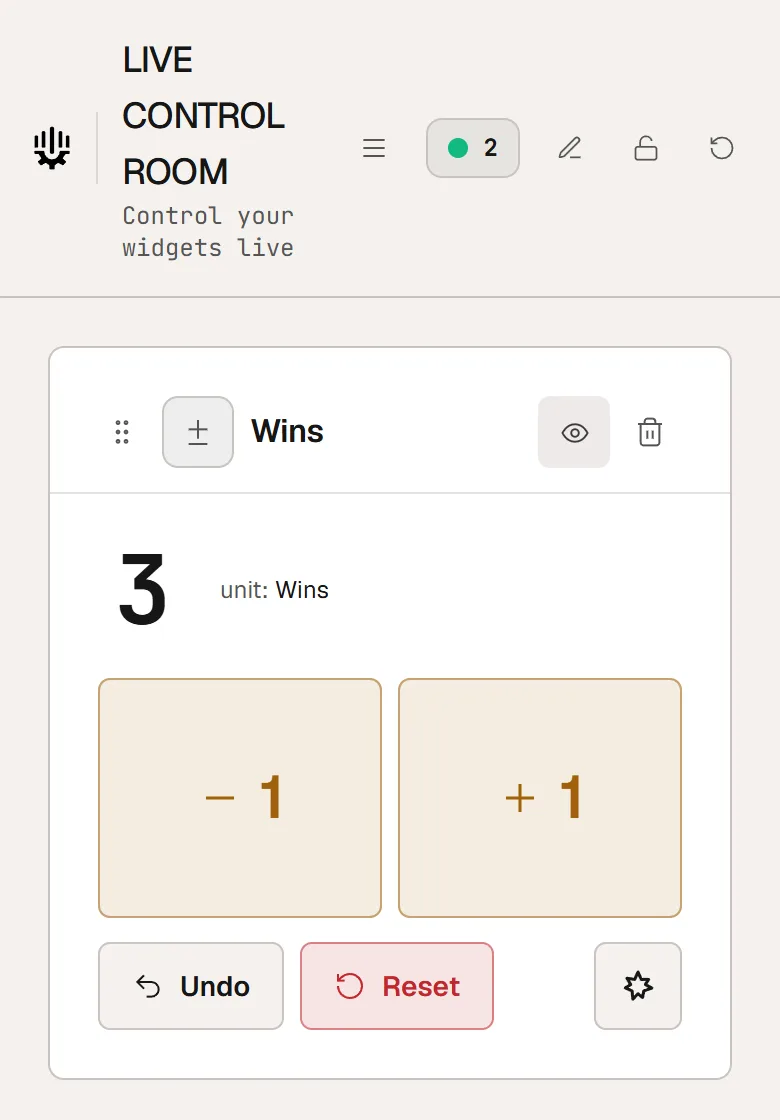
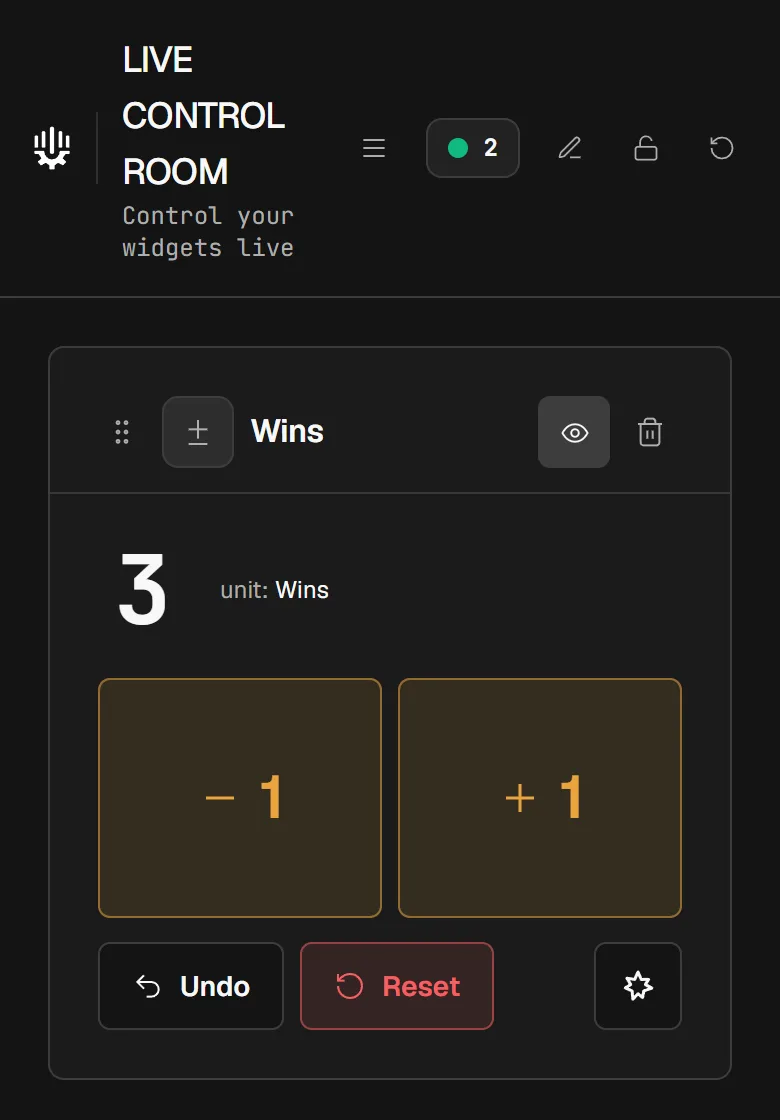
Open the Control Room with the QR code
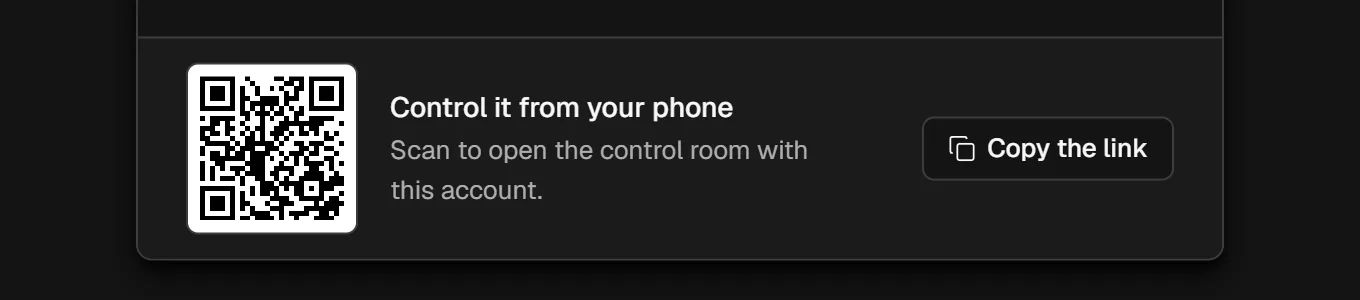
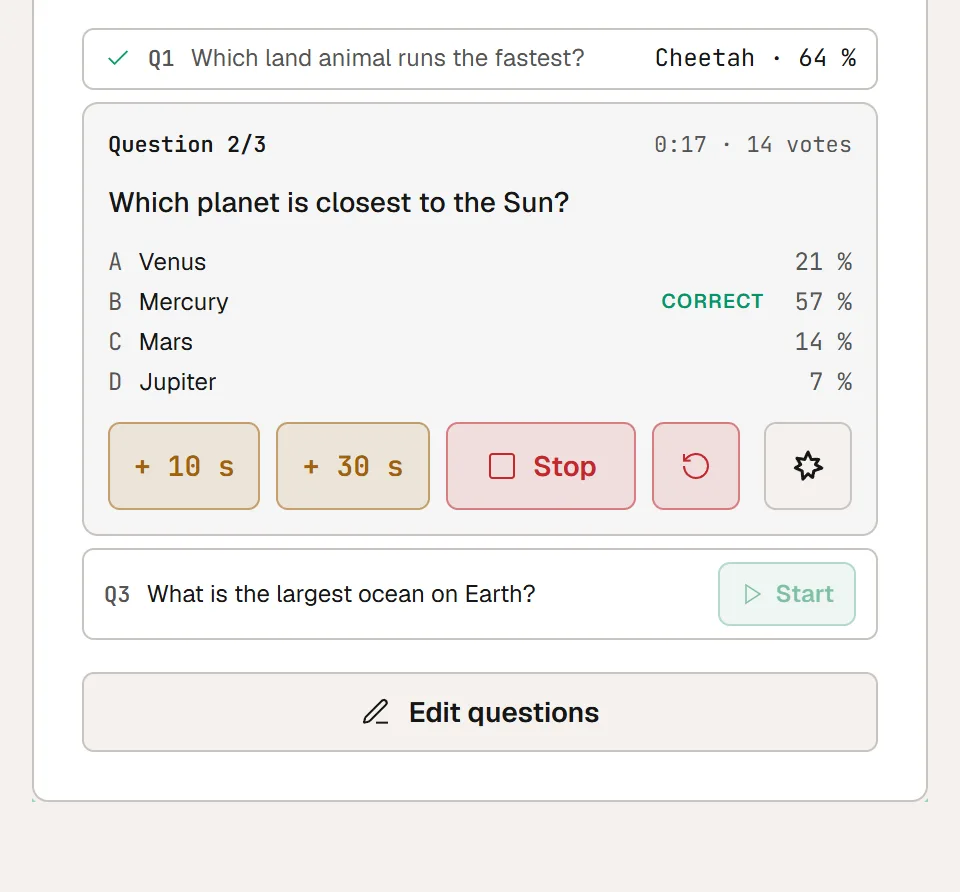
In the editor, open "Overlay link" and create your link if you have not yet. At the bottom of the window, scan the QR code: the Control Room opens in your phone's browser. On a tablet or a second screen, open twools.app/control_panel and sign in with the same account.