Skip to content

Build your Twitch overlay, widget by widget.

With Twools, a Twitch overlay is built in an online editor: widgets on a canvas, a style preset applied to each widget in one click, then adjusted, and a single overlay link pasted into the streaming software. For chat, follow and sub alerts and the sub goal, the streamer connects their Twitch account in the editor.

Create my overlay

Free plan · No credit card

On air
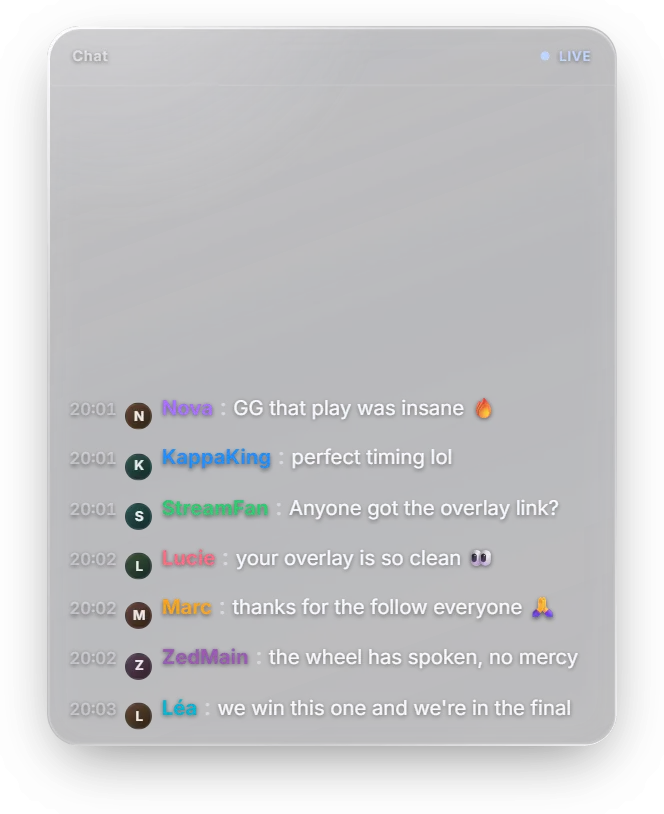
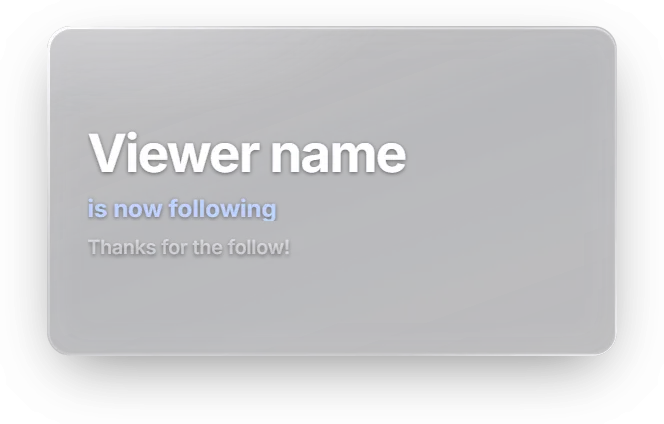
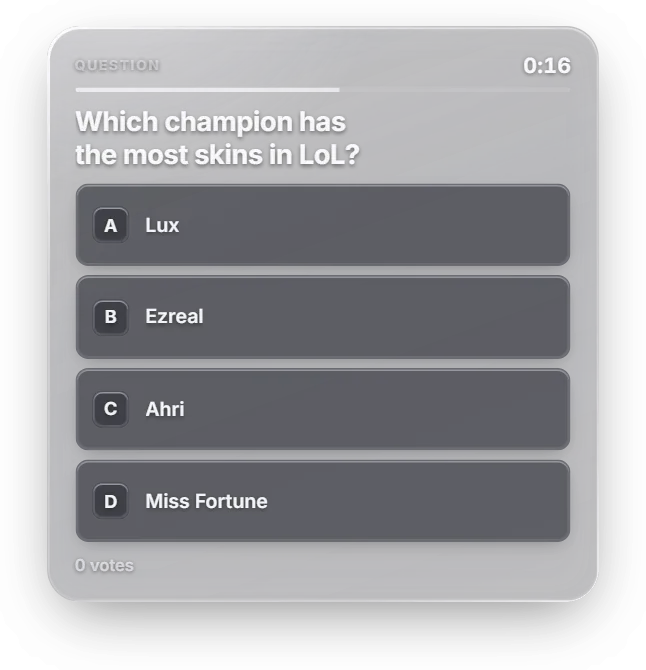
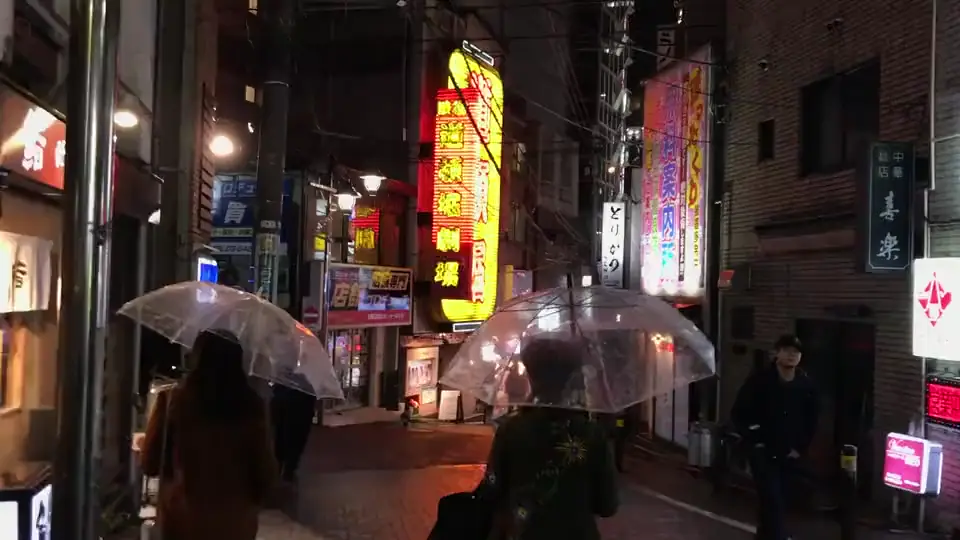
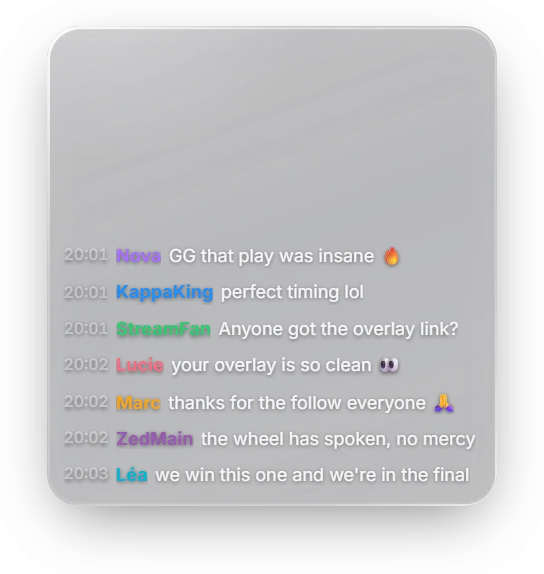
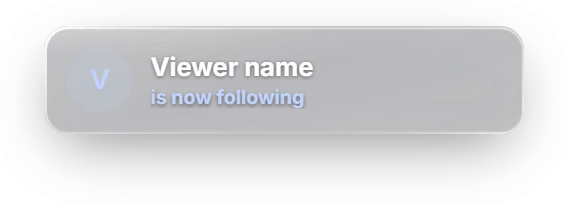
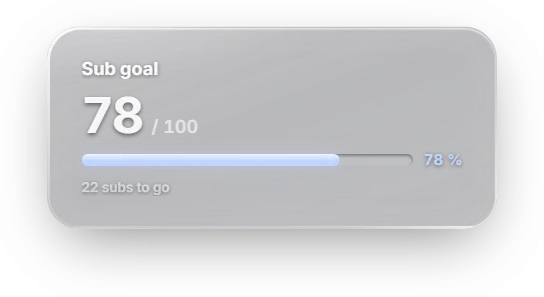
A Twitch chat, a follow alert and a sub goal, on air over an IRL stream.
Is it free?
11 of 29 widgets are included in the free plan.
Do I need to connect Twitch?
Yes, for your chat, your alerts and the chat games.
Ready-made overlays?
Starting bases and looks, which you change freely.
And YouTube?
Yes, whatever your platform. Chat and alerts read Twitch.

Your Twitch overlay, screen by screen

Everything happens in your browser, on a computer, with no code.

1 of 5

Build your overlay

Open the "Widgets" drawer and drag your chat, your alerts or a timer onto the stage. You can also start from a base: Match & competition, Poker night, Just chatting, Games & entertainment. Its widgets land already styled, and everything stays editable.
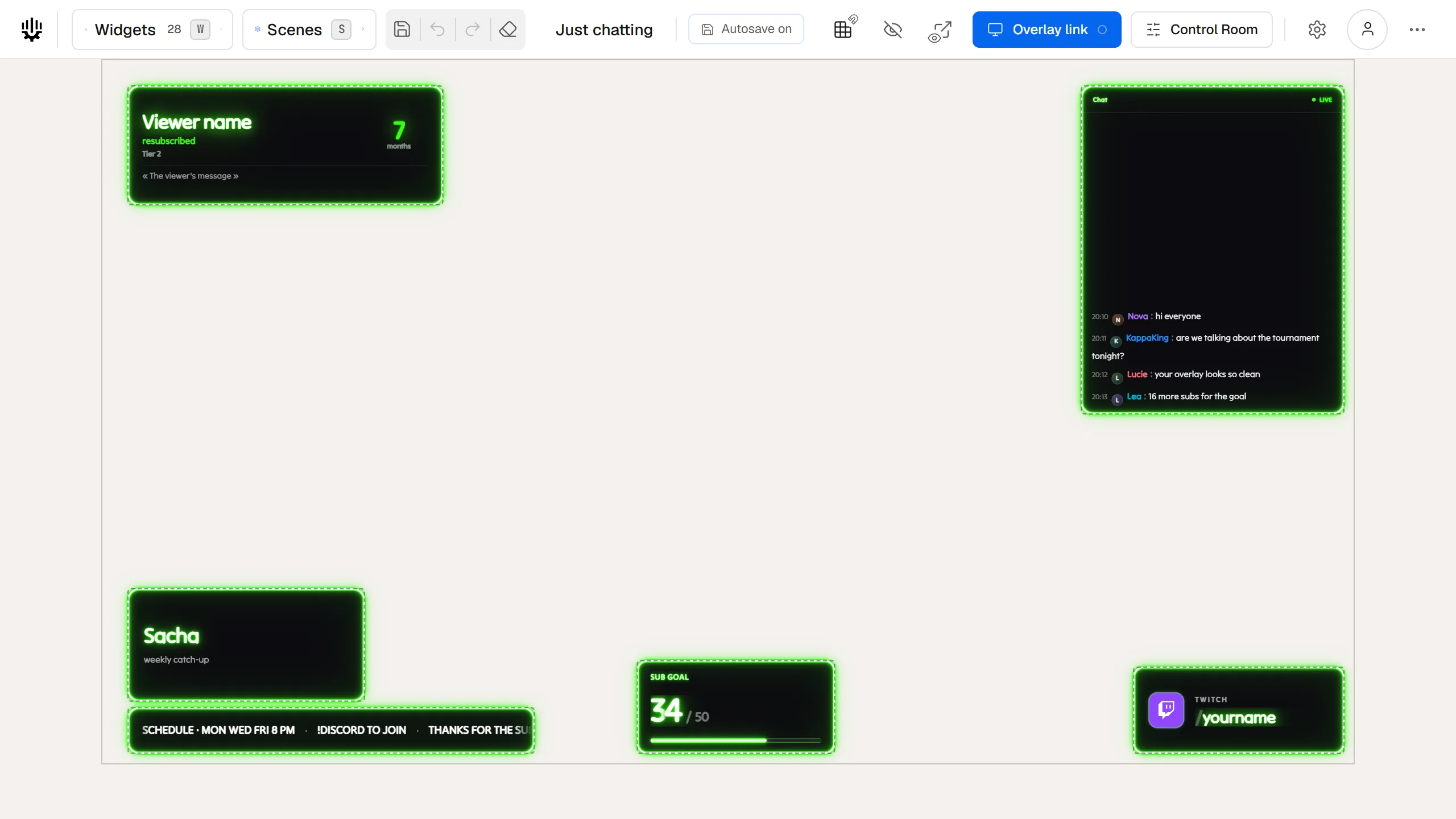
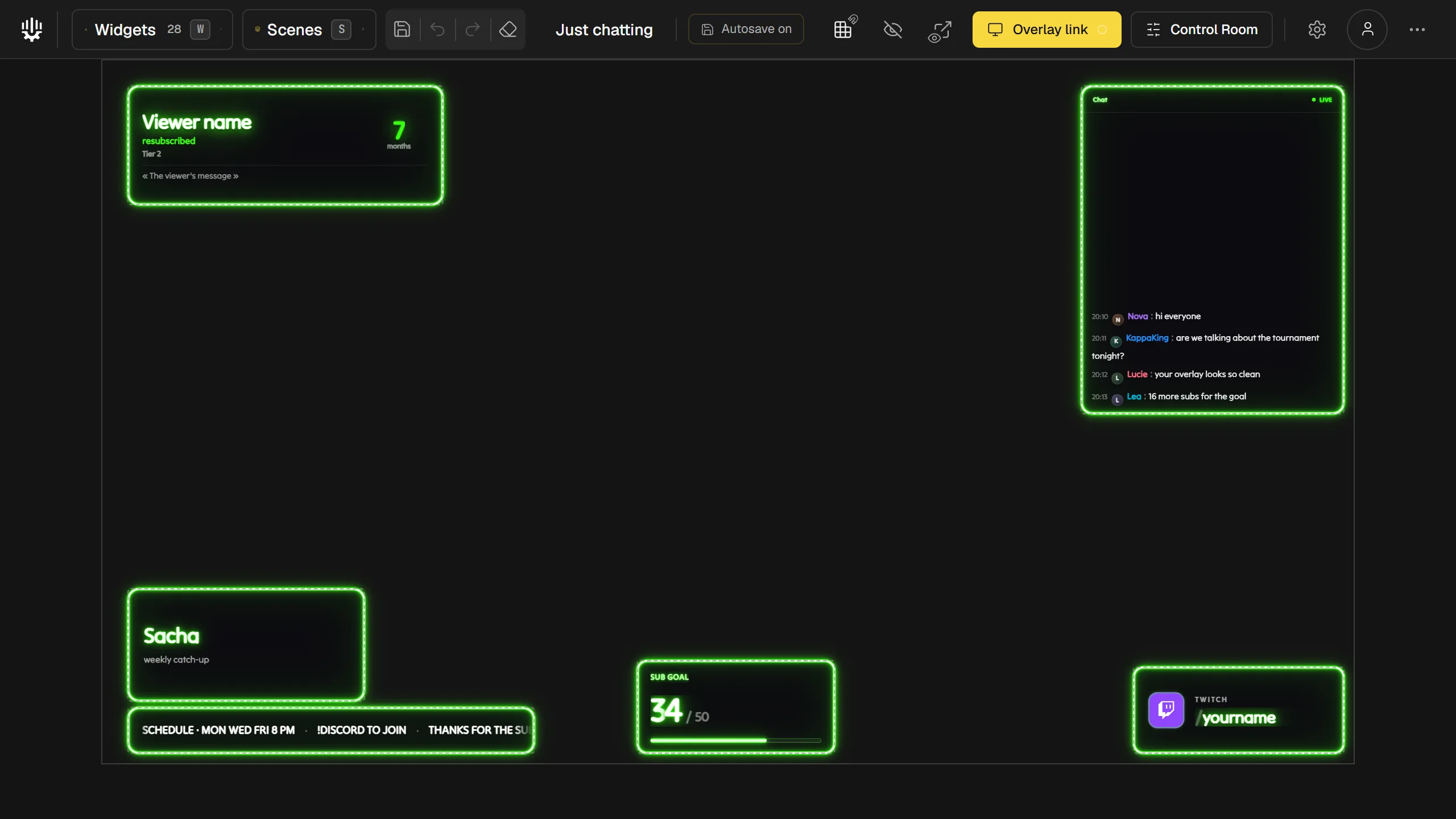
The Twools editor with the Just chatting base on the canvas: sub alert, chat, text card, banner, sub goal and social handle, in the Neon look.

2 of 5

Give it your style

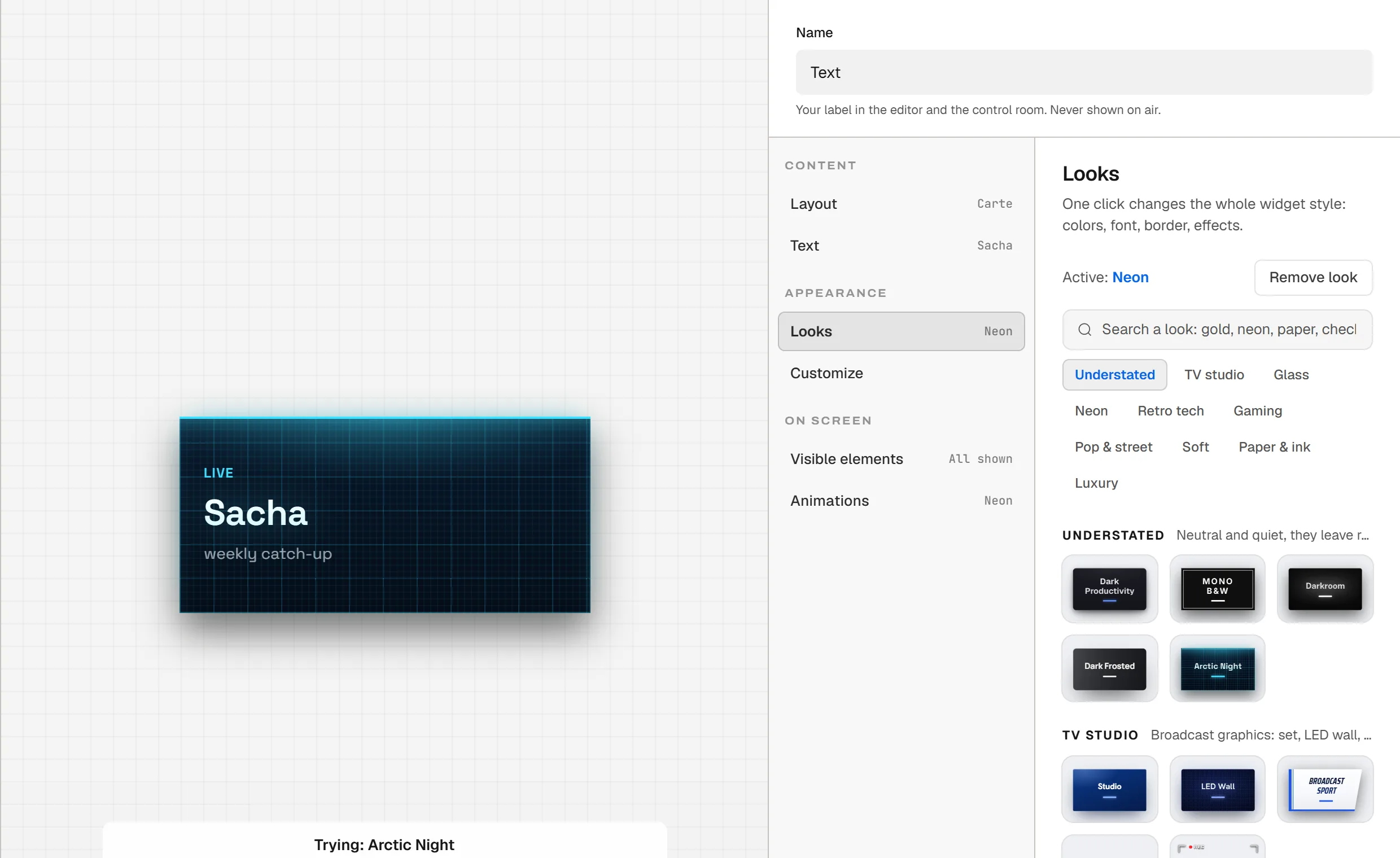
"Looks" changes a widget's whole style: colours, font, border, effects. Hover a look to try it in the preview, click to apply it, then fine-tune what you want.

The guide "Choose a look"

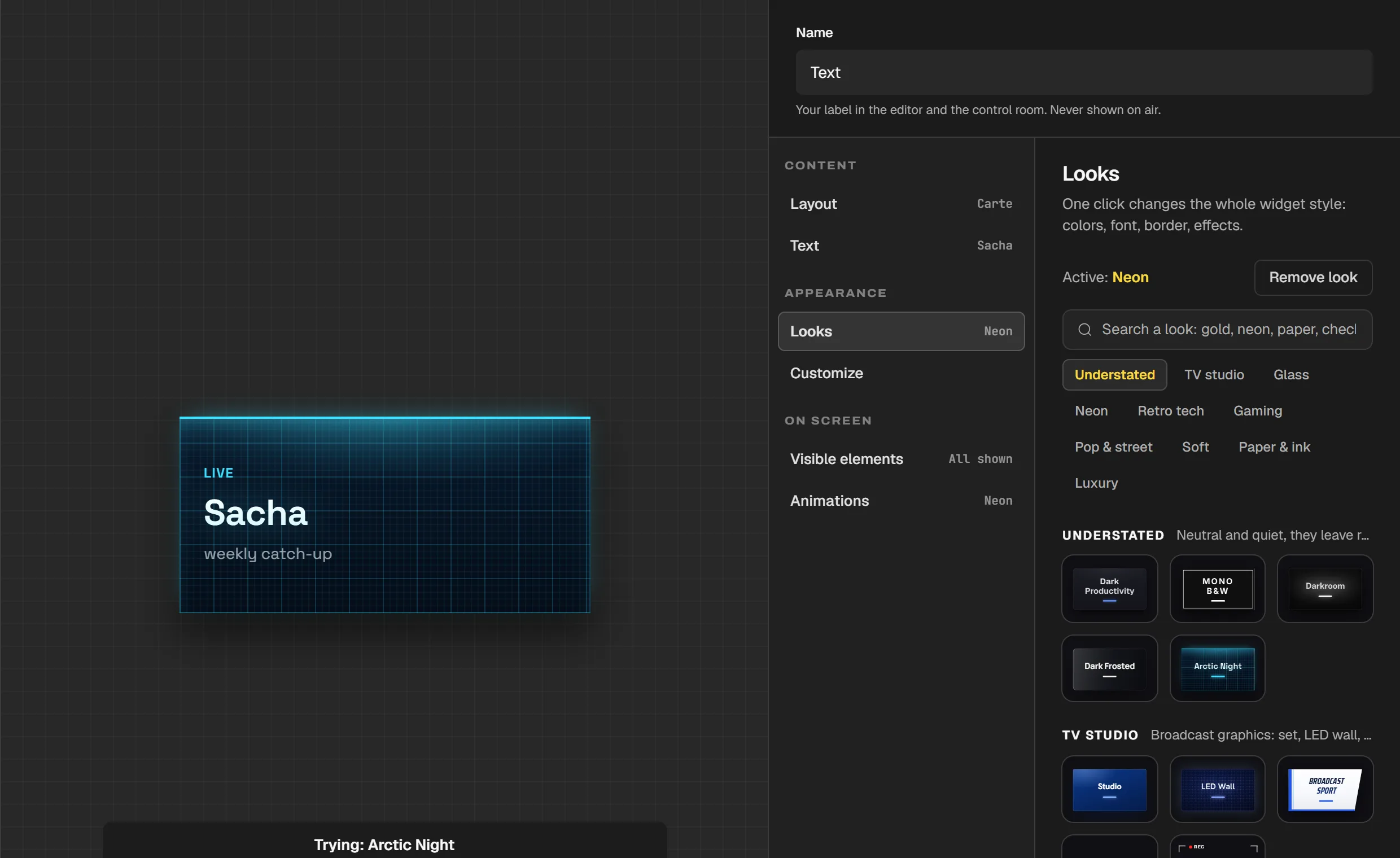
The Text widget's panel on the Looks screen: on the left, the "Sacha" card tried in Arctic Night, with the caption "Trying: Arctic Night"; on the right, "Active: Neon", the search field, the universes and the look tiles.

3 of 5

Connect your Twitch account

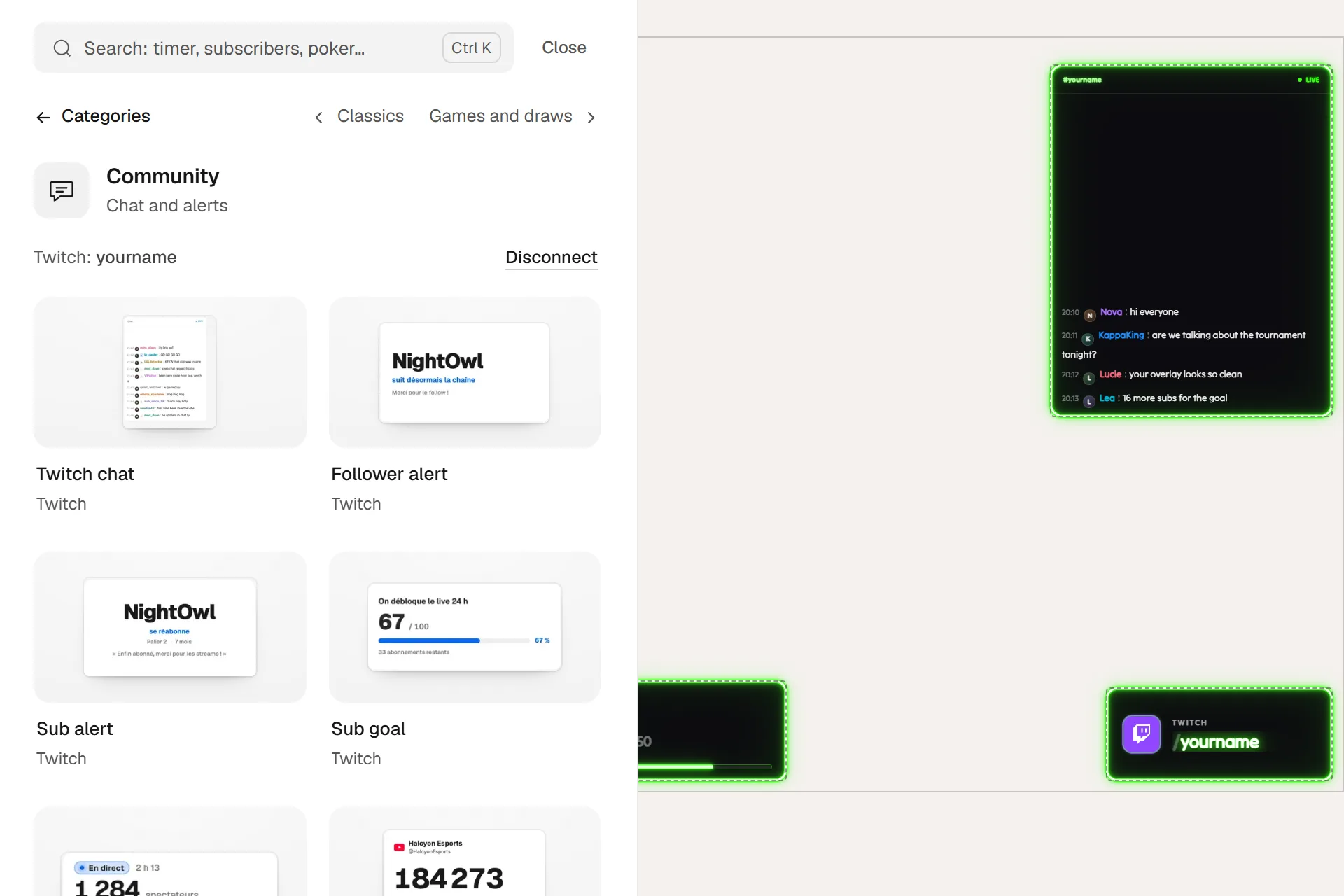
In the "Widgets" drawer, open "Twitch" and click "Connect Twitch". Twitch asks for your consent, read-only. Your chat then shows in OBS too. During the stream, keep the editor or the Control Room open: your alerts go out from there.

The guide "Connect your Twitch account"

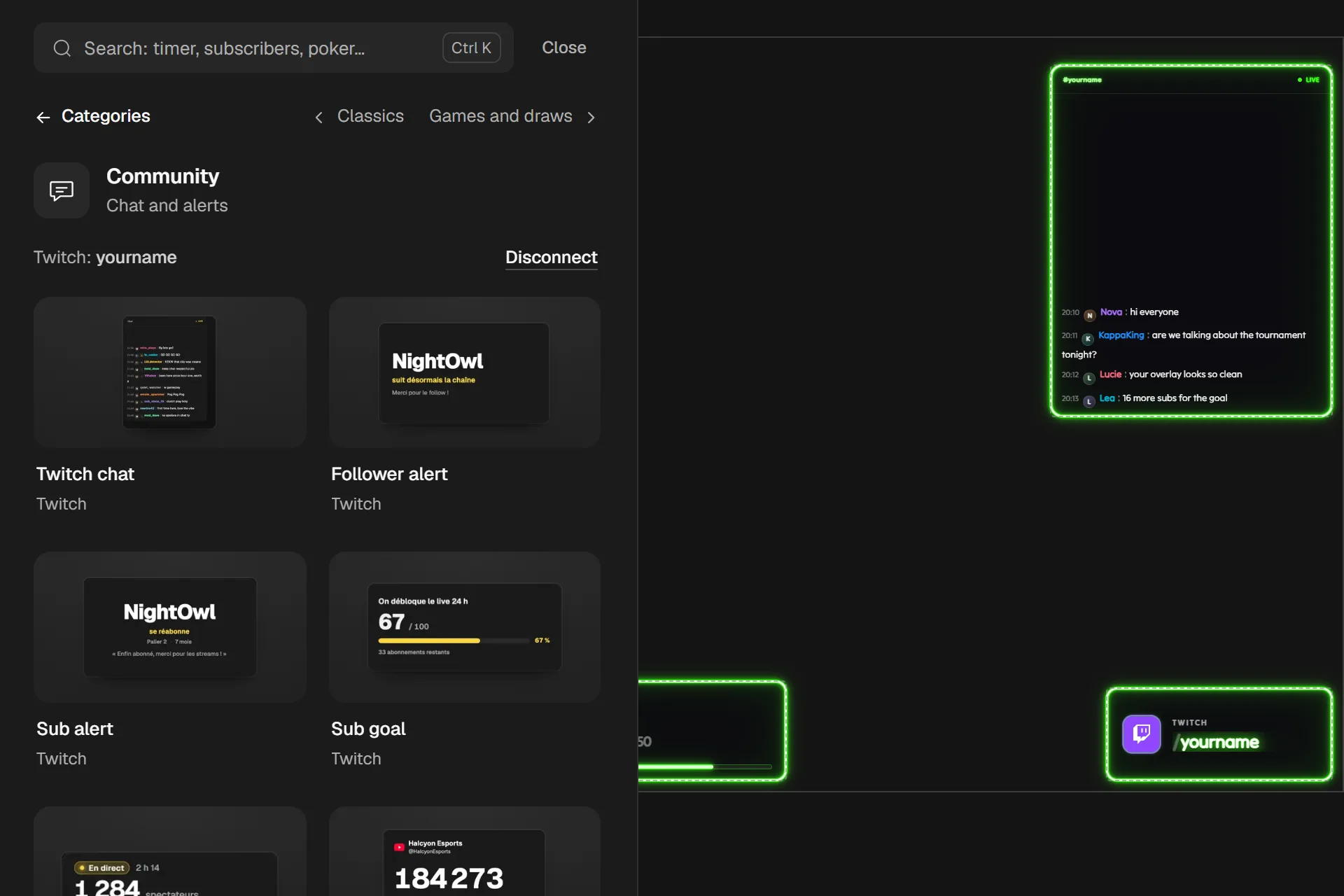
The Widgets drawer on Twitch: "Twitch: yourname" and the "Disconnect" button, then Twitch chat, Follower alert, Sub alert and Sub goal. On the right, the chat, titled #yourname, shows four messages.

4 of 5

Paste your link into OBS

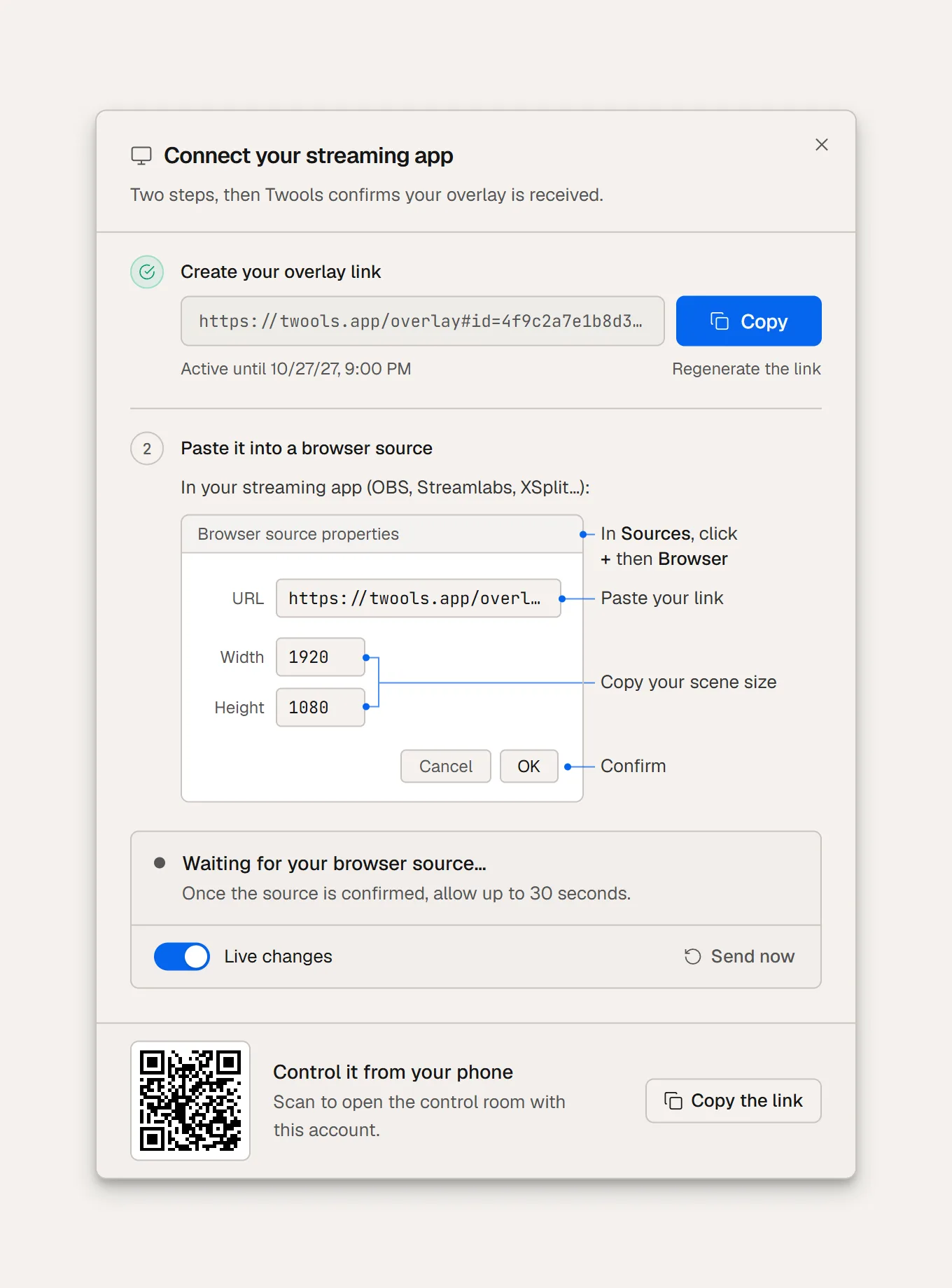
Click "Overlay link", then "Create a secure link". Copy the link and paste it into a Browser Source in OBS, Streamlabs or XSplit. Only your widgets on air show there.

Your widgets in OBS

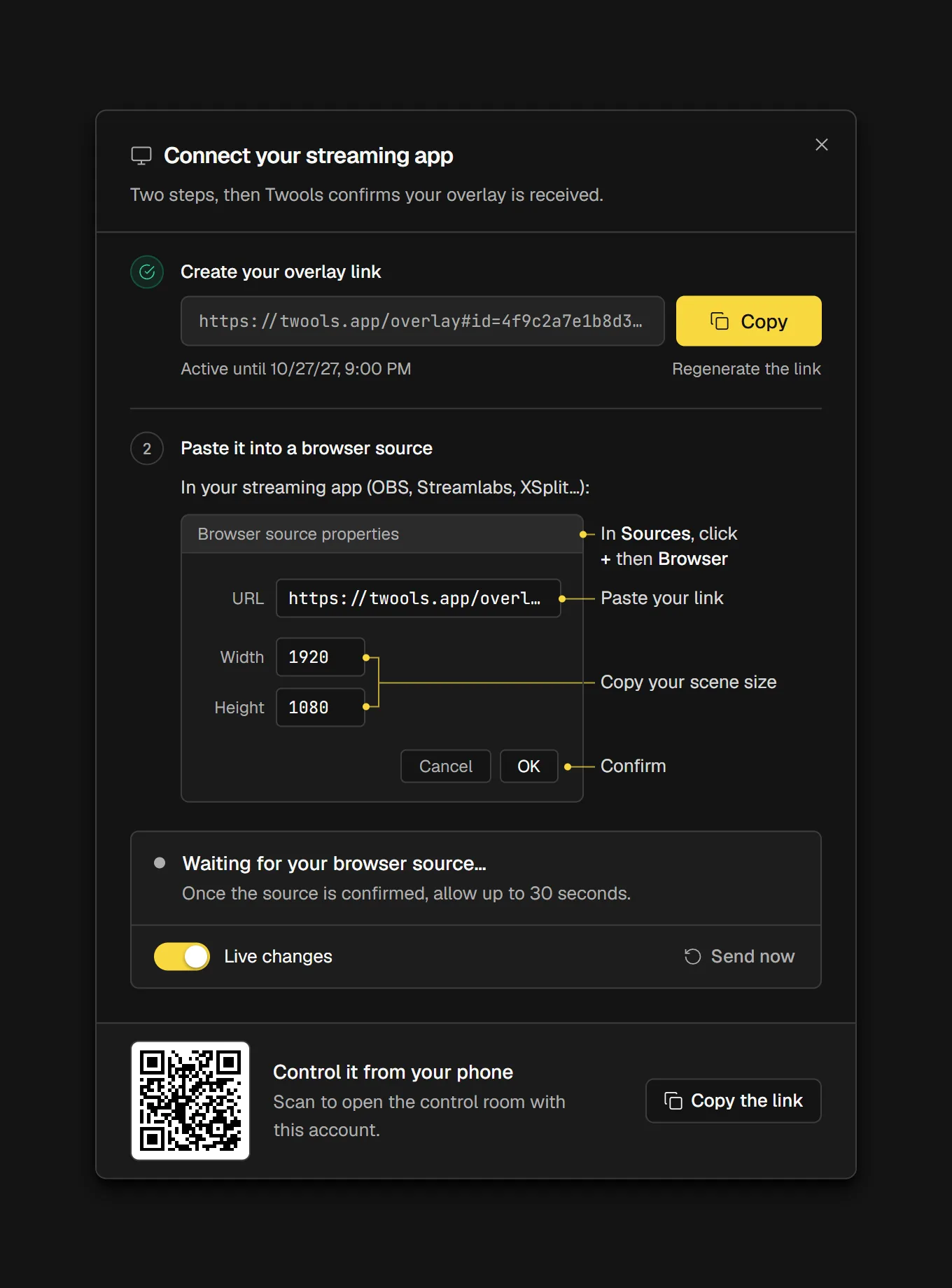
The "Connect your streaming app" window: the "Create your overlay link" step ticked, the link and the Copy button, then the "Paste it into a browser source" step and the diagram of the source properties (URL, Width 1920, Height 1080, OK).

5 of 5

Run it during the stream

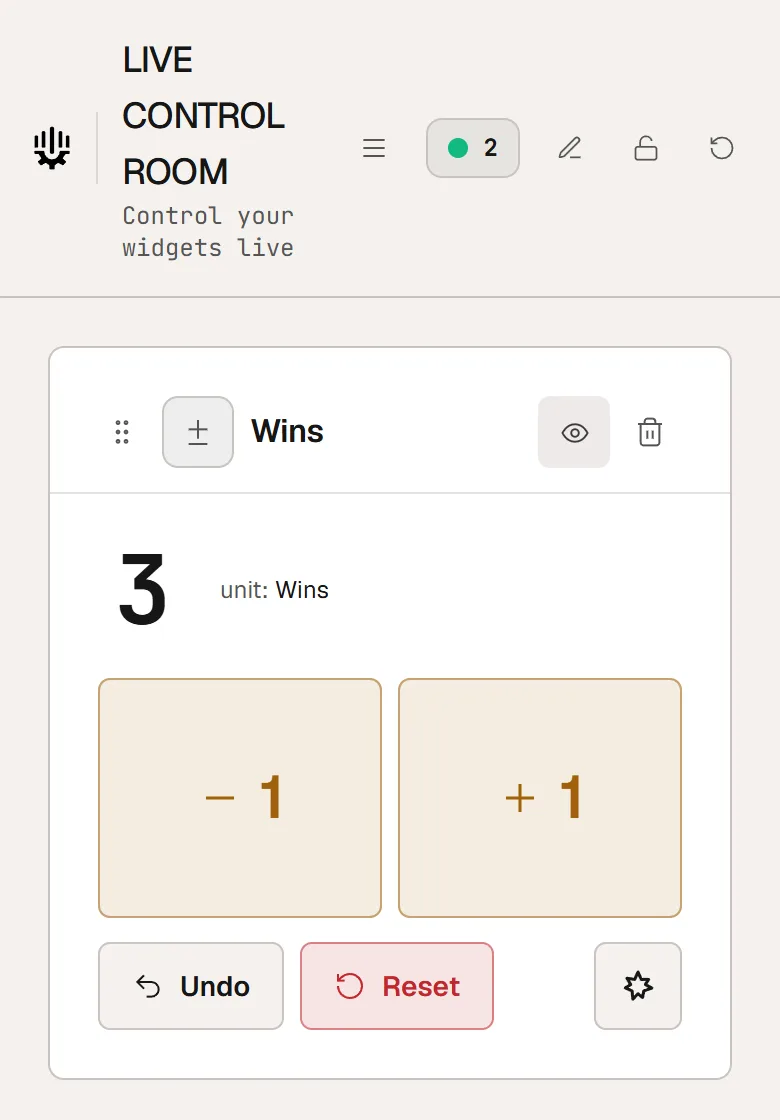
Open the Control Room on your phone, with the QR code in "Overlay link". One card per widget: you show or hide a widget, ask chat a question, add a subscriber to your goal, without leaving your game.

Discover the Control Room

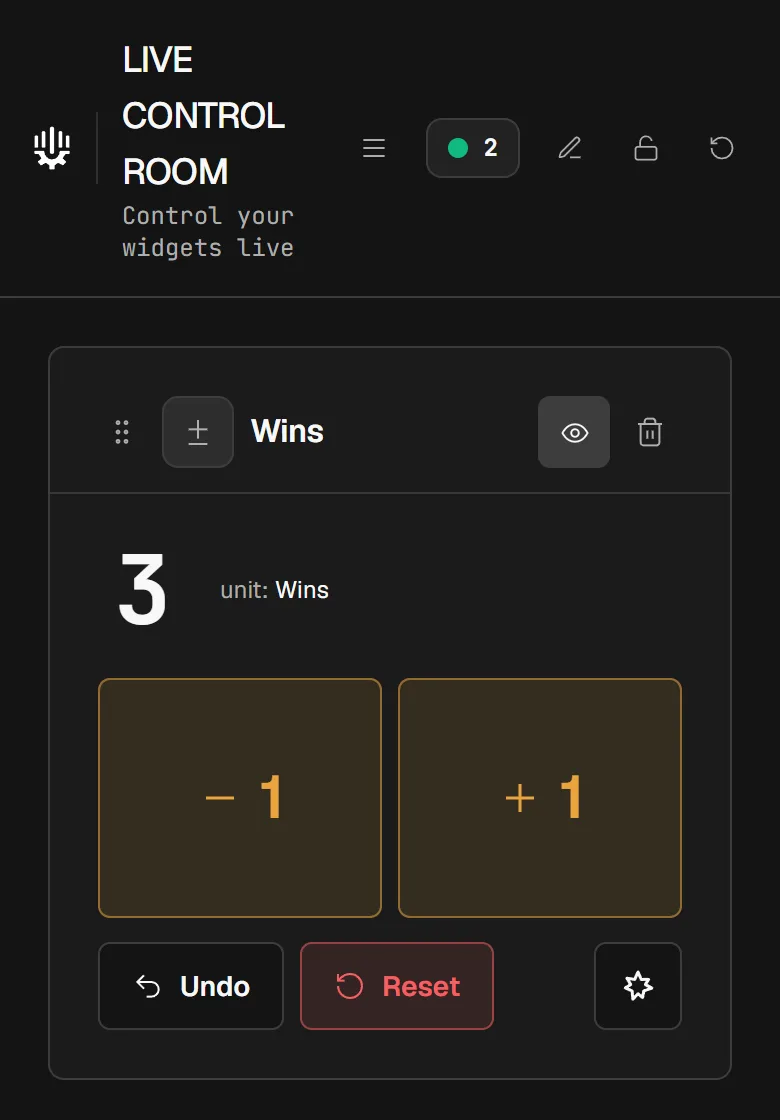
The Control Room on a phone: the Wins counter card, at 3, with its minus one and plus one buttons.

The Twitch widgets

They read your Twitch channel. Each one has its own page, with its layouts and looks.

Frequently asked questions about the Twitch overlay

Is Twools free?

11 of 29 widgets are included in the free plan, with the editor and the live control room. Twools Essential unlocks 19 widgets and removes the watermark. Twools Pro unlocks all 29 widgets. The details of each plan are on the Pricing page.

Do I need to connect my Twitch account?

Yes for chat, alerts and the games with chat. The sub goal follows your Twitch total while the Control Room is open, or is kept by hand without an account. The other widgets, such as the timer or the counter, work without a Twitch account.

Does Twools provide ready-made overlays?

Twools offers starting bases and looks, which you change freely. It is not a gallery of themes to download: each overlay is built in the editor.

Can I use Twools for a YouTube stream?

Yes. The overlay displays in your streaming software, whatever platform you broadcast on. Chat, alerts and the quiz read Twitch. The YouTube counter shows your YouTube channel's figures.

Your chat and your alerts, in your style.

Build your overlay on a computer, paste your link into OBS, then run it from your phone.

Free plan · No credit card