
Track your YouTube subscribers
Connect · 3 min read
Showing your YouTube subscribers during a stream often means copying the number by hand. The Twools YouTube counter widget reads your channel's public numbers from its handle, with no YouTube account to connect, and shows them on your overlay.
On this page
Before you start
- An overlay in the Twools editor, showing in your streaming software through your overlay link
- Your YouTube channel's handle, the one after the @, or your channel's link
The steps
Add the YouTube counter
In the editor, click "Widgets" and open "Community". The YouTube counter widget is included in Twools Essential and in Twools Pro. On the free plan, the "Widgets" drawer writes "Essential" under its name: a click opens the plans window. Drag "YouTube counter" onto the stage or click it, then open its panel (the pencil in its small bar, or a double-click) and its "Channel" screen. A widget added by hand starts off air: the screen reminds you at the top, with "Put on air". While it stays off air, it does not show on your overlay link and its counter does not refresh.
Connect your channel
In "Your YouTube channel", type the handle that follows the @ on your channel, or paste your channel's link, then click "Verify". Nothing is sent before "Verify", or the Enter key. Once the channel is found, a green card shows its name and its three numbers: subscribers, views and videos. "Change" unplugs it so you can set another one.
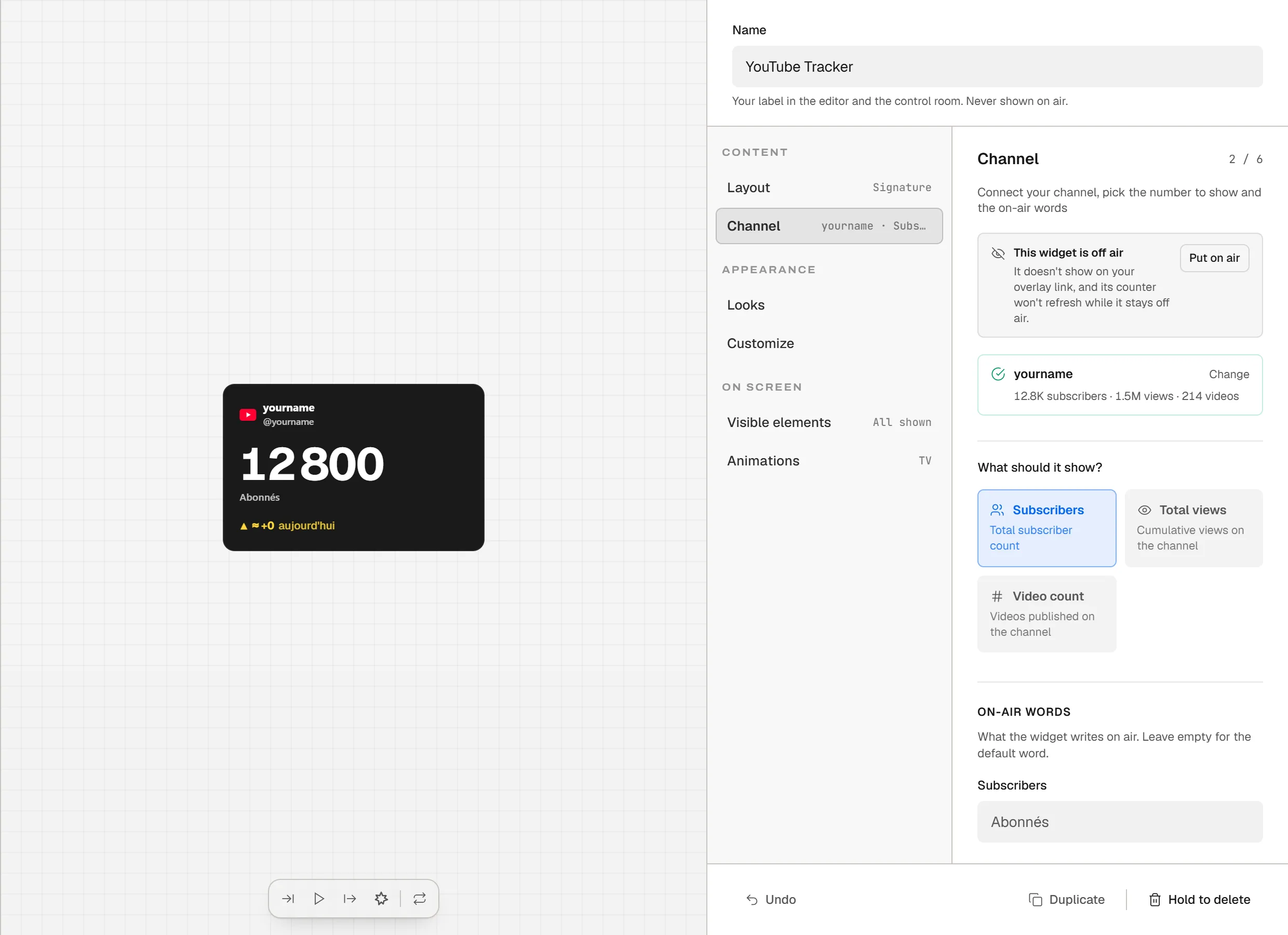
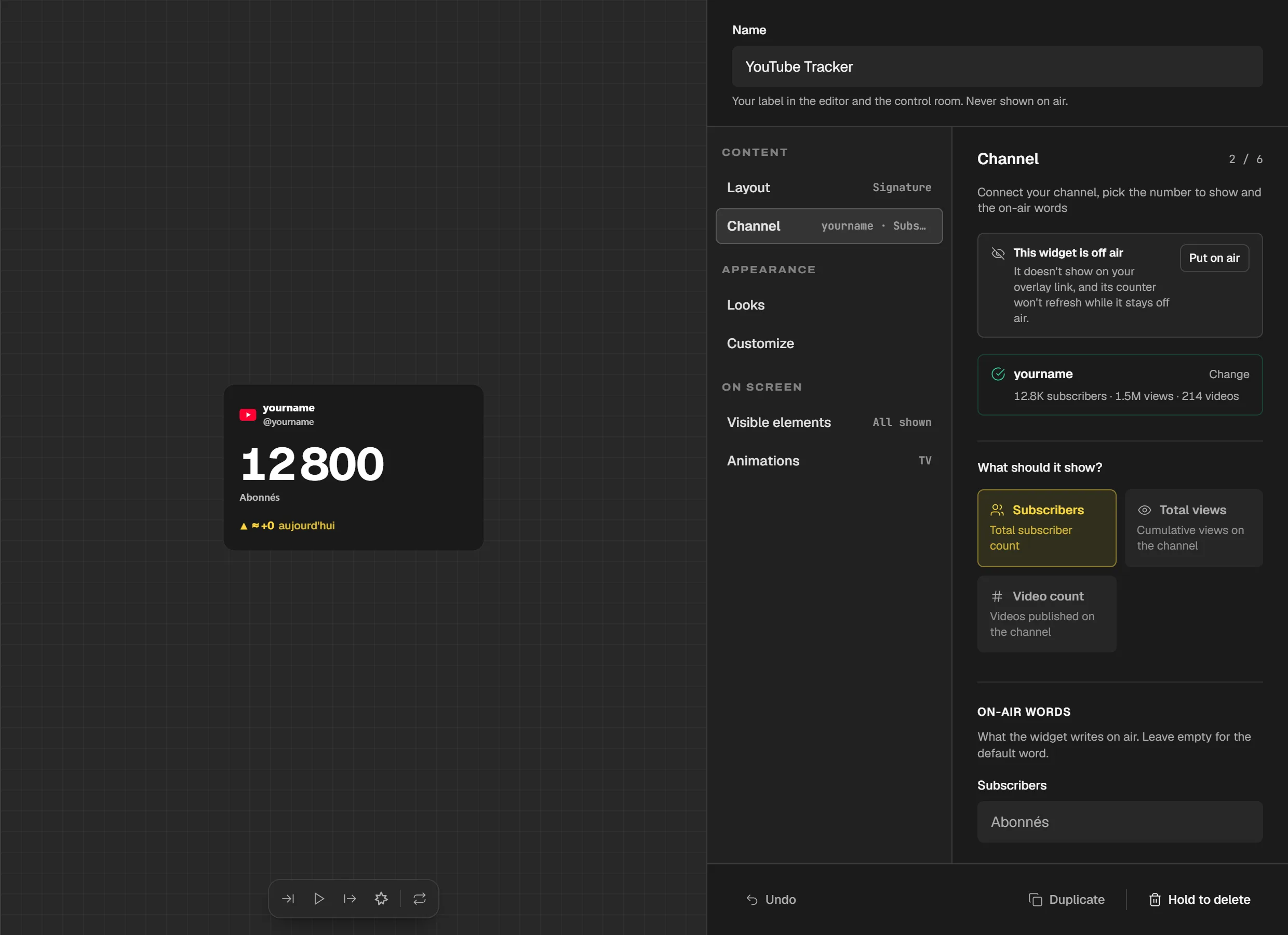
The "Channel" screen: the verified channel, its three numbers and the choice of the number to show. The widget is still off air. A video link does not work: you need the channel's link. If the screen says "Channel not found", check the spelling or paste the full link.
Pick the number
Under "What should it show?", pick "Subscribers", "Total views" or "Video count". Some layouts fix their own number: the screen says so, and "Layout" lets you switch. With the Cap layout, "Subscriber goal" sets the bar's target; at 0, the widget aims for the next round number. Further down, "On-air words" replaces the words the widget writes, which stay in French while you leave them empty.
Where the numbers come from
They are the numbers YouTube makes public for your channel. Twools reads them through its servers, for the scene of your overlay link, with no YouTube account to connect. "Update", at the bottom of the screen, sets the gap between two readings, from 5 to 60 minutes: YouTube limits how many updates happen per day. Above 1,000 subscribers, YouTube rounds the number to three digits: the counter moves in steps.
Tips
- In the Control Room, "Refresh now", on the counter's card, asks for a new reading.
- A reading failure, such as a used-up YouTube quota, shows under the green card of the "Channel" screen, with the time it started. Your overlay keeps the last number.
Frequently asked questions
Do I need to connect my YouTube account?
No. The counter reads your channel's public numbers from its handle: you authorize nothing on YouTube, and Twools only sees what YouTube shows everyone.
Why is my YouTube subscriber counter not moving?
First check whether it is off air: it does not refresh while it stays there. Above 1,000 subscribers, YouTube rounds the number, which only moves at each step. A failure shows under your channel's card, and your overlay keeps the last number.
Can I show views instead of subscribers?
Yes. In the "Channel" screen, pick "Total views" or "Video count". Some layouts force subscribers, or all three numbers at once: the screen says so, so switch layouts.
Is the YouTube counter included in the free plan?
No. The YouTube counter widget is included in Twools Essential and in Twools Pro.
What's next
Reference page: Your widgets in an OBS Browser Source, with a single link.
Useful widgets for this guide
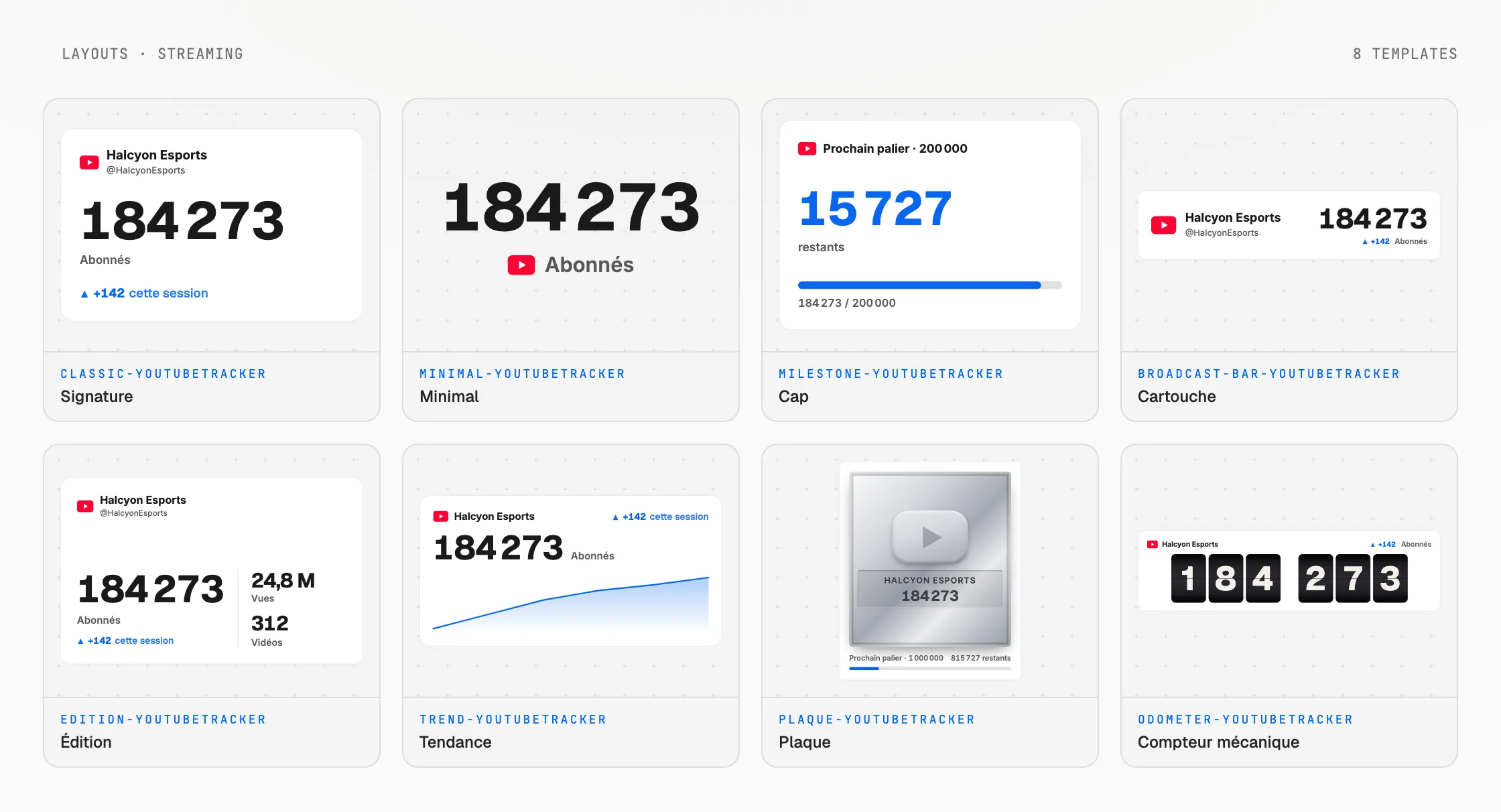
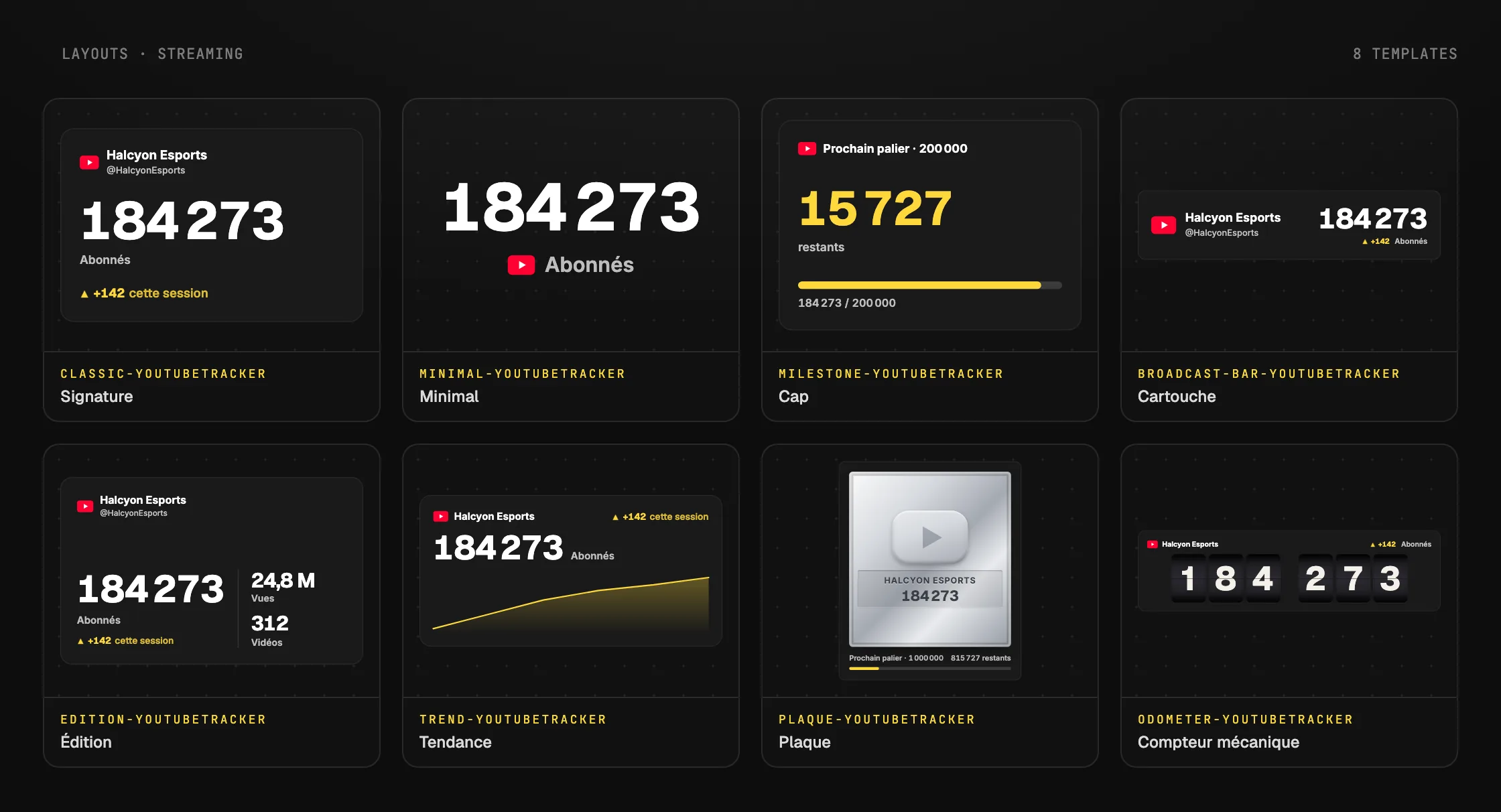
Add your YouTube counter
One sentence to create, one link to go live, your phone to run it.
Free plan · No credit card